Comparison
FireShot Free vs Pro: What You Get, What It Costs, and Free Alternatives
A fair look at the FireShot Chrome extension: what the free Lite version does, what FireShot Pro adds and costs, and four alternatives with honest best-for notes.

Resources
Guides, tips, and product notes on capturing, annotating, and sharing screenshots.

Comparison
A fair look at the FireShot Chrome extension: what the free Lite version does, what FireShot Pro adds and costs, and four alternatives with honest best-for notes.

Guides
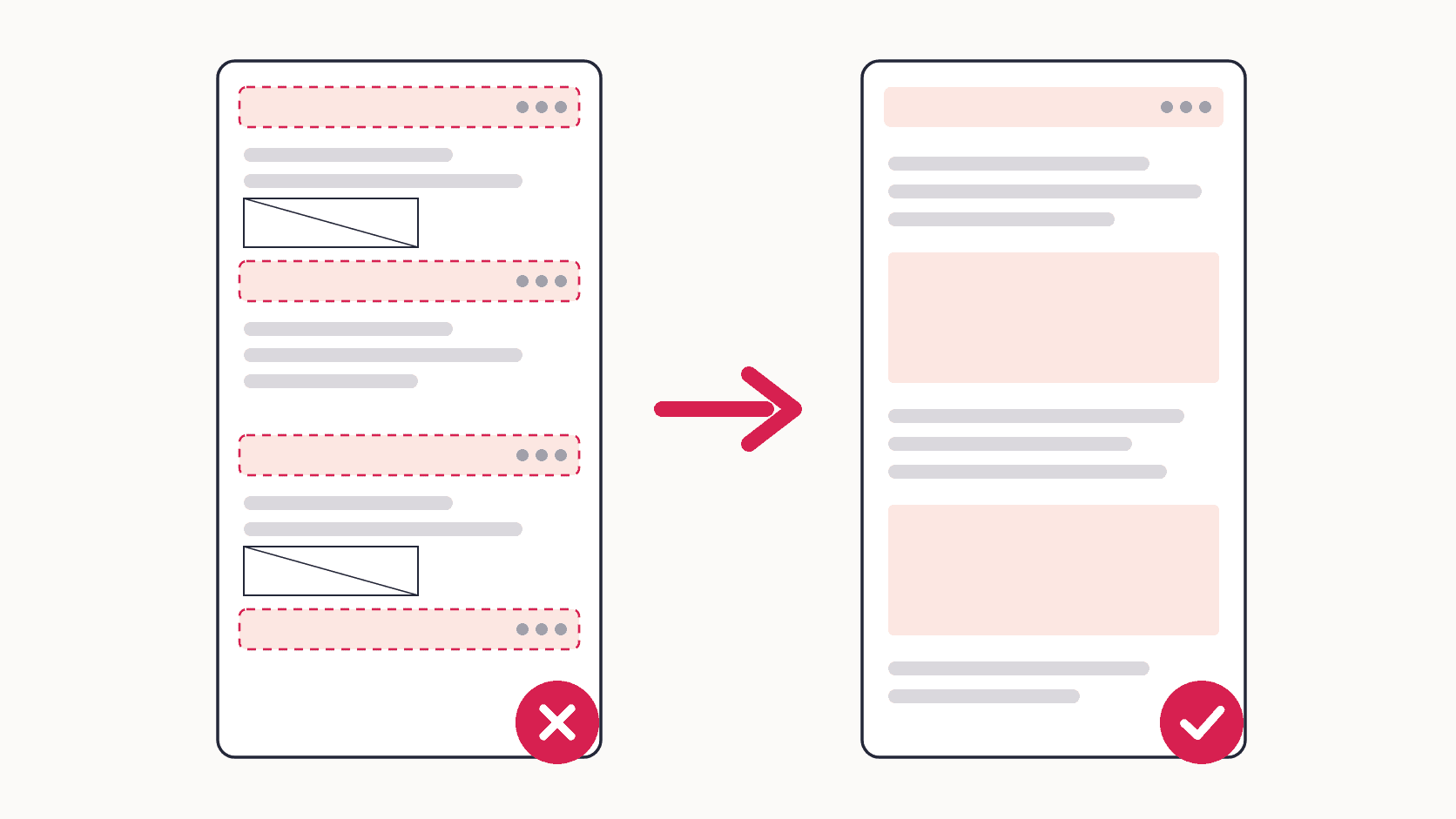
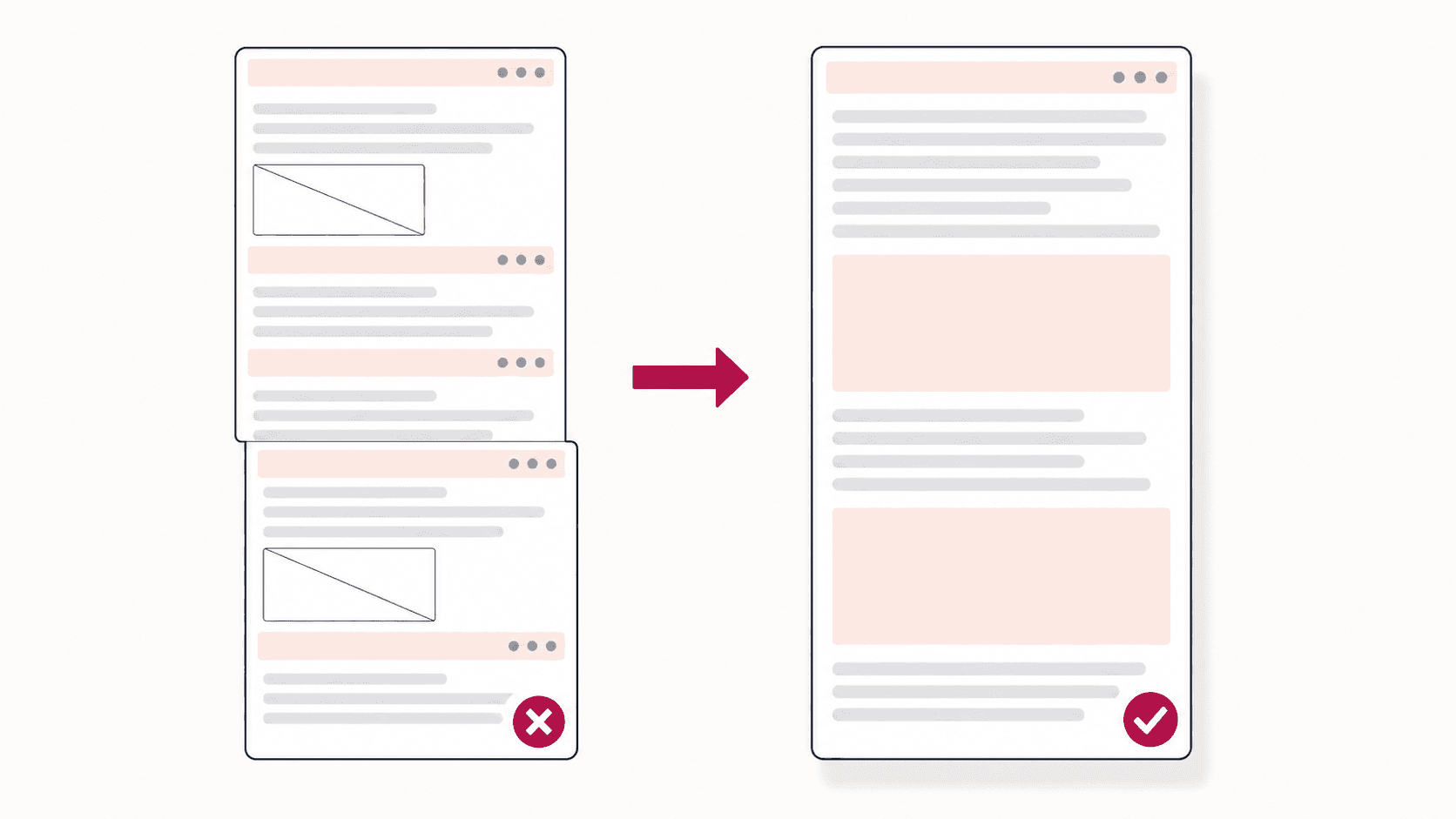
Why sticky headers repeat down a full page screenshot and lazy images come out as grey boxes, plus practical fixes for both, from a quick setting to a short DevTools snippet.

Guides
How to use Chrome DevTools' Capture full size screenshot and Capture node screenshot commands, full page captures in device mode, and a fix for every way the capture fails on real pages.

Behind the build
Sticky headers, lazy loaded images, feeds that grow while you capture, and seams that drift by a pixel. A founder's notes on the parts of full page capture that were genuinely hard.

Comparison
GoFullPage was removed from the Chrome Web Store on 11 August 2026 and restored on 10 September. Here's a dated timeline of what happened, how to get it back safely, and a free alternative worth keeping.

Use cases
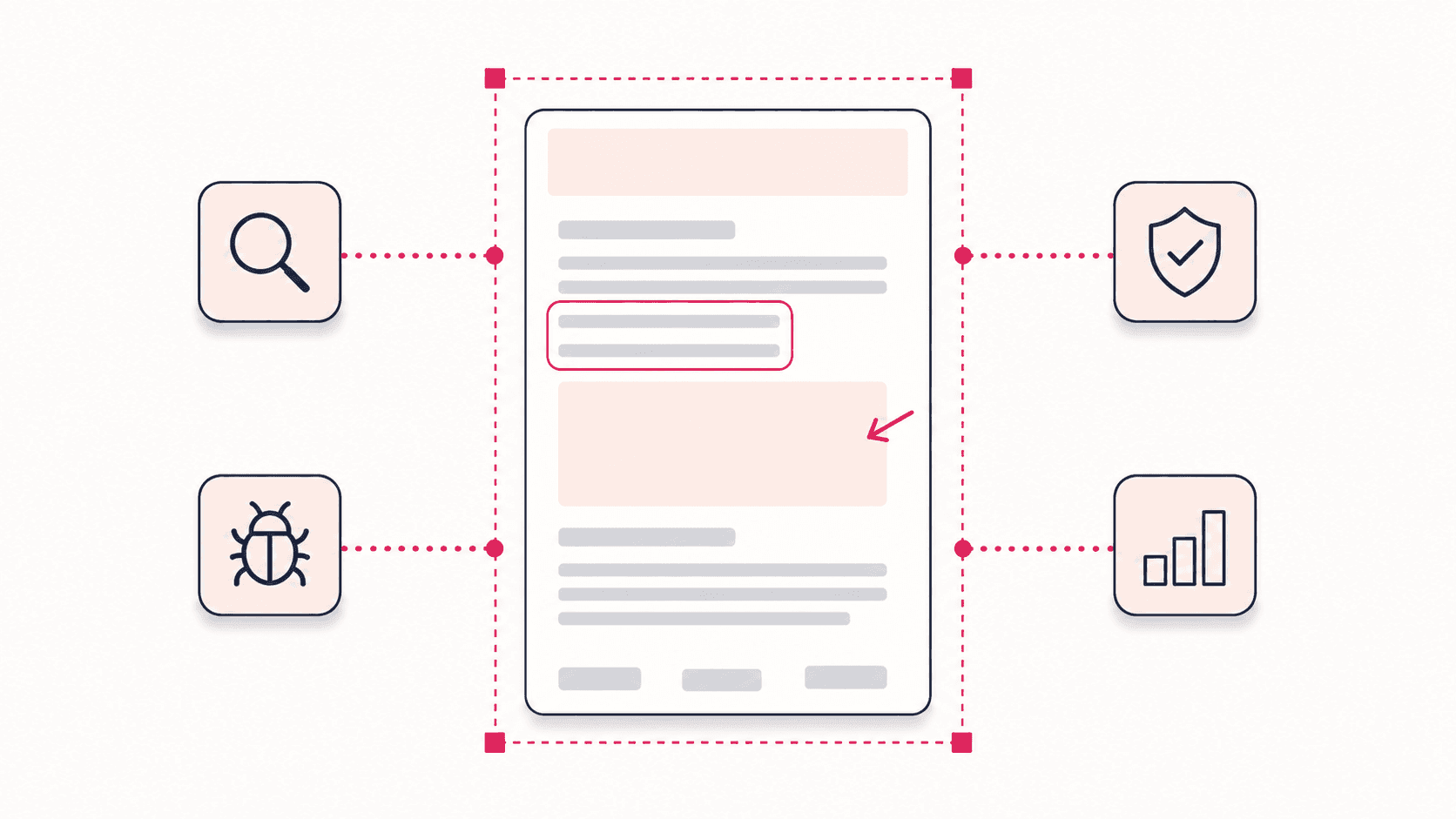
Beyond the how-to: the workflows where whole-page screenshots earn their keep, from SEO audits and QA reports to legal records and client deliverables.

Guides
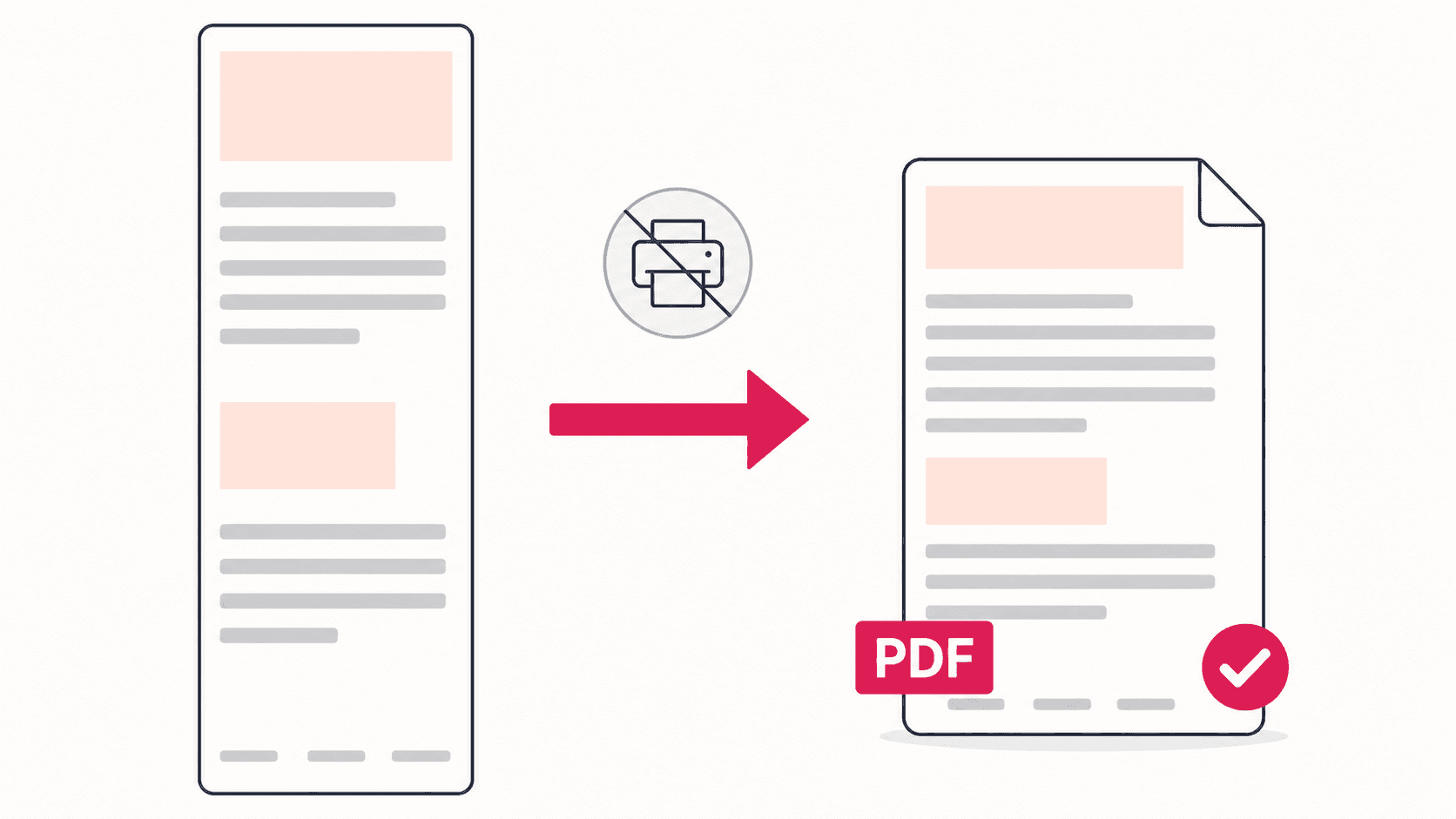
Chrome's print-to-PDF breaks layouts and cuts content. Here is when to use it anyway, and how to save a pixel-perfect full page PDF with a free extension.

Guides
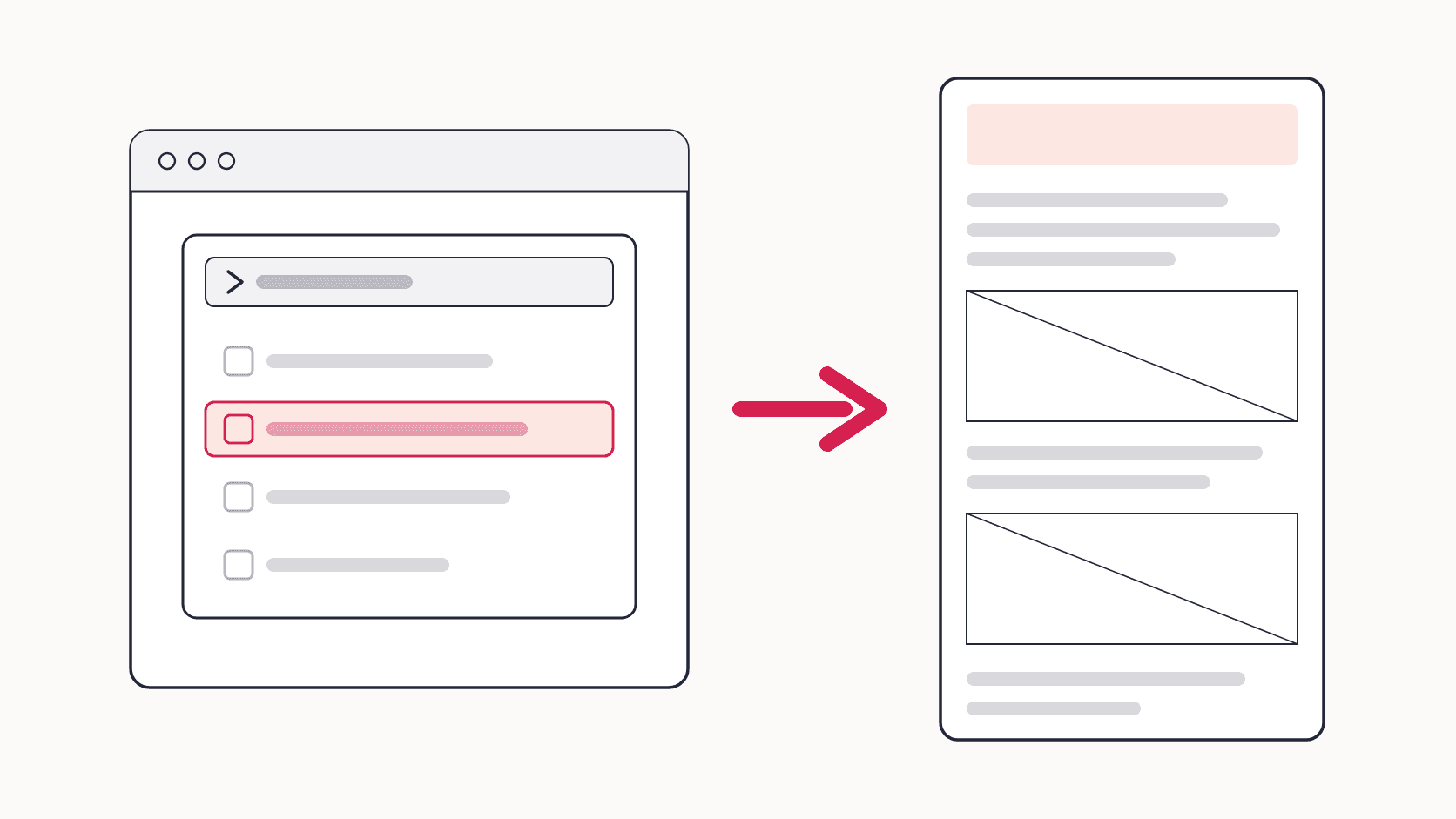
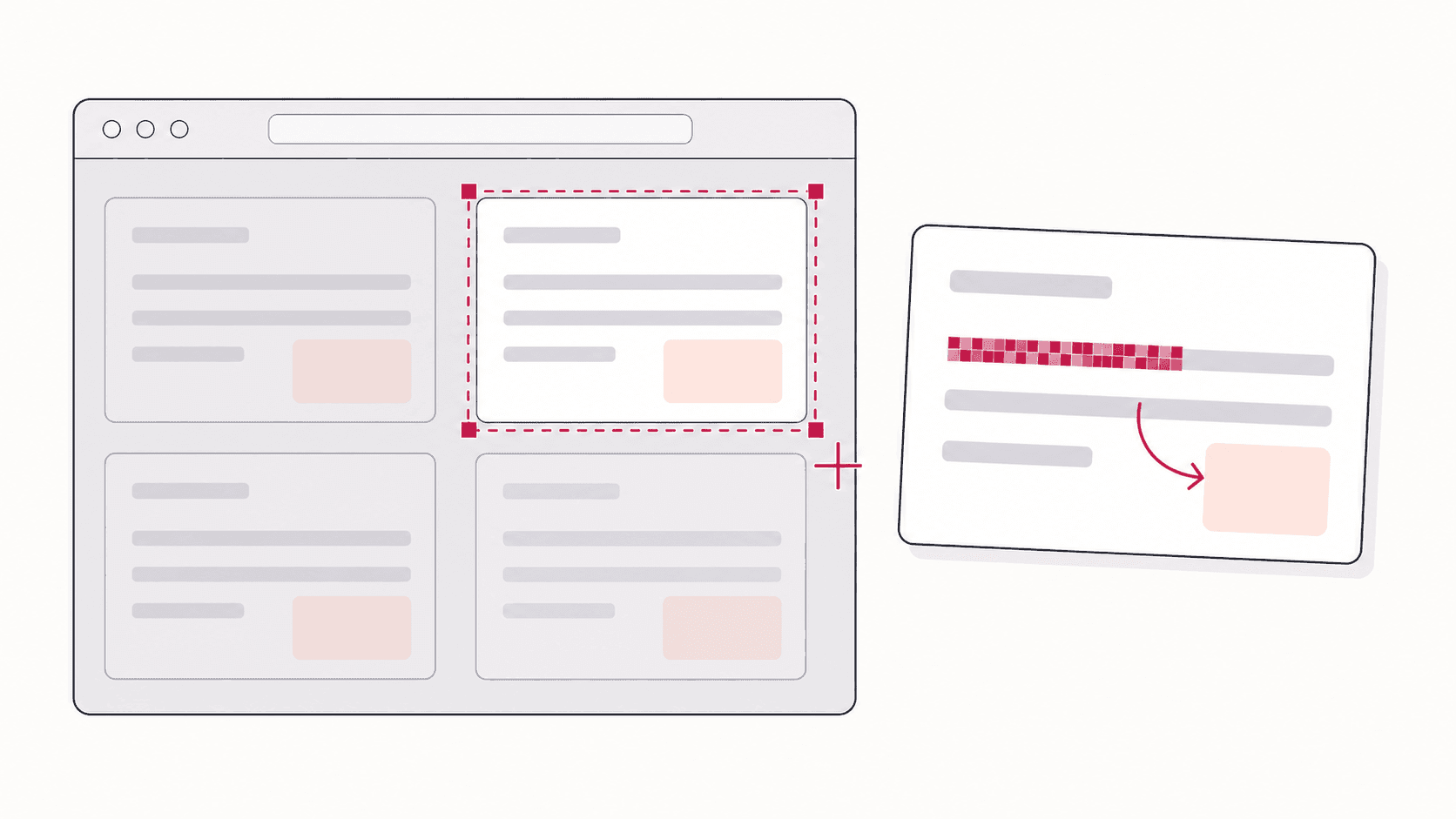
Chrome has no built-in snipping tool, but one free extension adds it: drag over any part of a webpage, annotate it, and export in four formats.

Guides
Every working way to take a full page or scrolling screenshot in Chrome: a one-click extension, the built-in DevTools command, Chrome on Android and iPhone, and fixes for captures that come out broken.

Comparison
Eight ways to take a full page screenshot in Chrome, compared side by side: what is free, what needs a paid plan, which have an editor and blur, and which one fits your job.