Full Page Screenshot
Full Page Screenshot Chrome Extensions: 8 Tools Compared for 2026
 Kaushik Prasath· Founder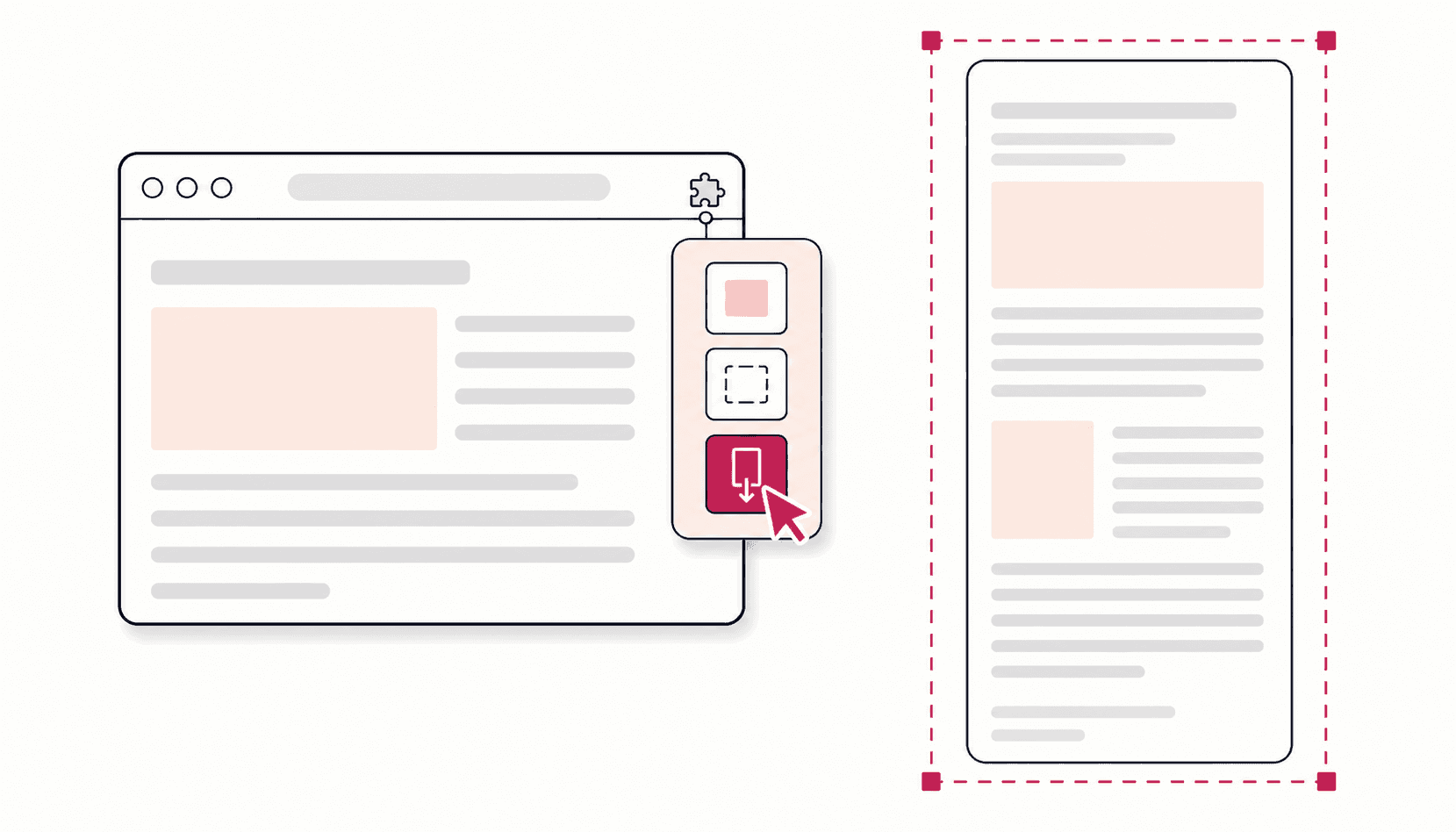
The best full page screenshot Chrome extension depends on what happens after the capture. If you only need the image, GoFullPage is the simplest one-click tool. If you want to annotate, blur and export for free, Full Page Screenshot covers that without a paid plan. If you also record video, Awesome Screenshot is the stronger pick, and FireShot suits people who need multi-browser support and advanced PDF output and are happy to pay for Pro.
Disclosure: Full Page Screenshot is my own extension. I have tried to make this comparison useful rather than flattering, and every fact about another tool comes from its own Chrome Web Store listing or website, checked on 29 September 2026. Where I could not confirm something, the table says so instead of guessing.
Want to try ours right away? Add Full Page Screenshot to Chrome. It is free, needs no account, and is rated 4.8 on the Chrome Web Store.
Quick picks
- Free capture plus a full editor and blur: Full Page Screenshot
- Simplest one-click capture: GoFullPage
- Screen recording as well as screenshots: Awesome Screenshot
- Many browsers and document-grade PDFs: FireShot (Pro)
- Cloud links for sharing marked-up captures: Markup Hero
- Nothing to install, one-off capture: Chrome DevTools
The comparison at a glance
Store figures and prices as shown on 29 September 2026.
| Tool | Cost | Capture modes | Editor and blur | Export | Screen recording | Chrome Web Store |
|---|---|---|---|---|---|---|
| Full Page Screenshot | Free, no paid tier | Full page, visible area, snip | Free, blur included | PNG, JPG, WebP, PDF | No | 4.8, 100,000 users |
| GoFullPage | Free; Premium $12 a year | Full page | Premium only | PNG, JPEG, PDF (free) | No | 4.9, 11,000,000 users |
| FireShot | Free Lite with ads; Pro $39.95 a year or $99.95 once | Full page, visible part, selection | Pro only; editor on Windows | PNG, JPEG, PDF free; more with Pro | No | 4.8, 3,000,000 users |
| Awesome Screenshot | Free plan; paid from $5 a month | Full page, area, visible, screen or window | Yes; blur included | PNG, JPG, PDF | Yes | 4.7, 4,000,000 users |
| Markup Hero | Free with limits; from $3 a month | Scrolling page, area, desktop | Free, blur included | Images, PDF, share links | No | 4.2, 50,000 users |
| Capture Full Page | Free | Full page, area, visible | Free; no blur listed | PNG, JPEG, PDF | No | 4.9, 10,000 users |
| Screenshot Tool | Free | Whole page, selection | Free; no blur listed | PNG, clipboard | No | 4.7, 1,000,000 users |
| Chrome DevTools | Free, built in | Full page, visible, area, element | None | PNG | No | Built into Chrome |
A note on Lightshot, which often appears in lists like this: its listing describes region capture only, so it is not a full page tool. Nimbus, another familiar name, has moved to a new FuseBase listing and its original Chrome Web Store page no longer loads, so it is left out.
What a full page screenshot extension actually does
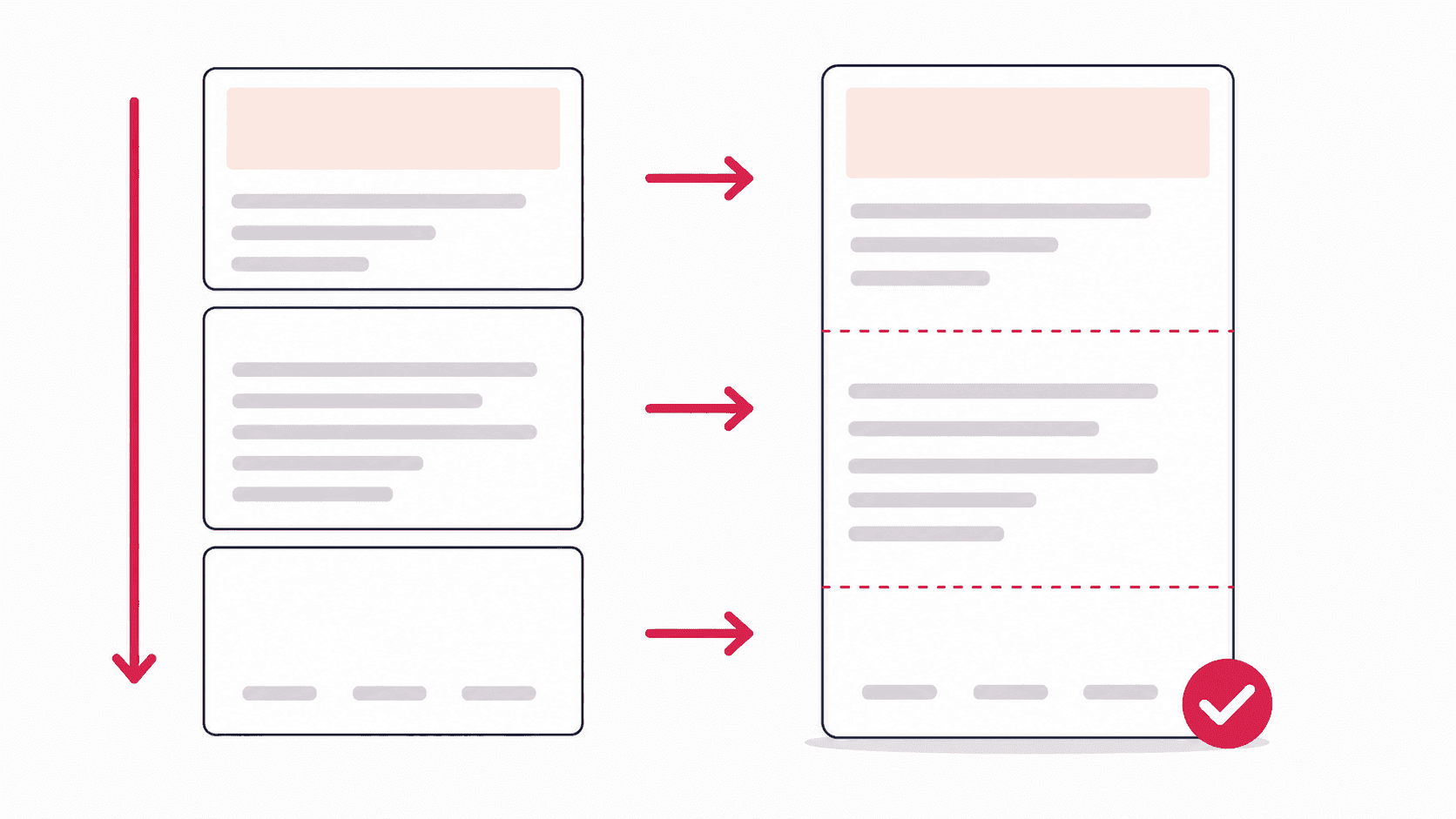
Chrome's own screenshot shortcuts only capture what is visible on screen. A full page extension measures the page, scrolls it one screen at a time, captures each section, and stitches the sections into one tall image. Good ones also handle the parts that break naive capture: sticky headers that would otherwise repeat in every section, lazy-loaded images that have not loaded yet, and cookie banners that cover the content. If a capture has already come out wrong, the fixes for repeating headers and blank images walk through each problem.
Full screen or full page screenshot extension?
People search for both, and they usually mean different things:
- A full screen screenshot captures exactly what is on your screen right now: the visible part of the page and nothing below it.
- A full page screenshot captures the entire webpage from header to footer, including everything you would have to scroll to see.
You do not need two extensions for this. Most tools in this comparison do both. In Full Page Screenshot, Visible Area is the full screen capture and Full Page is the scrolling one, with Snip for a single region. FireShot, Awesome Screenshot and Capture Full Page also offer a visible-area mode alongside full page capture, while GoFullPage's listing describes full page capture only.
If you want to capture your whole monitor rather than the browser, including other apps and the taskbar, your operating system's own screenshot shortcut is the simplest route. Most screenshot extensions only capture the current tab; Awesome Screenshot is an exception, as it can also capture your entire screen or an app window.
The 8 tools in detail
1. Full Page Screenshot
Best for: free full page capture with a real editor, where nothing leaves your computer.
This is the extension I build. It has three capture modes (Full Page, Visible Area and Snip), and every capture opens in an editor.
- Capture: pre-scrolls up to 40 passes so lazy images load, shows sticky headers once, dismisses cookie banners and modals, pauses playing videos, and checks every seam where two sections meet. Pages up to 32,700 pixels tall work. The notes on how that was built explain why each of these is harder than it sounds.
- Editor: seven tools (select, text, arrows, rectangles, circles, freehand and blur), two erasers, crop, undo and redo. Annotations stay editable, and the blur is applied to the exported file, not just the preview.
- Presentation: frame a capture with a background, or inside a macOS or Windows browser window with the page URL, plus an optional date stamp.
- Export: PNG, JPG, WebP or PDF, or copy to the clipboard.
- Privacy: no account, no upload, works offline. Captures stay in local browser storage.
Limits: Chrome only, no screen recording, and no cloud share links. Its PDF is an exact picture of the page, so the text is not selectable; the PDF guide explains when that matters.
2. GoFullPage
Best for: the simplest possible one-click capture.
GoFullPage has been the default answer for a long time, and it does its core job well: click the icon and it captures the whole page. According to its FAQ, the free version lets you take and download unlimited screenshots as an image or PDF, with no account. Its listing also says it handles inner scrollable elements and embedded frames.
Editing is the paid part. Cropping, annotations and blur, a URL and date stamp, and smart PDF page splitting are Premium, which costs $12 a year with a 7-day trial. Its listing describes full page capture only; it does not describe visible area or region modes. GoFullPage was briefly removed from the Chrome Web Store in August 2026 and restored in September; that timeline is here.
3. FireShot
Best for: people who work across several browsers, or need PDFs with links and searchable text.
FireShot's free Lite version captures the entire page, the visible part or a selection, and saves PNG, JPEG or a basic PDF. It runs in Chrome, Edge, Firefox, Opera, Safari and more. Lite shows ads. The editor, blur, multi-page and searchable PDFs, and uploads are part of Pro, at $39.95 a year or $99.95 for a lifetime license, and FireShot's own comparison page lists the editor for Pro on Windows. The FireShot alternative guide covers free versus Pro in detail.
4. Awesome Screenshot
Best for: anyone who needs screen recording as well as screenshots.
The listing is titled Awesome Screen Recorder & Screenshot, and recording is the reason to choose it: desktop, tab or camera, with microphone and webcam. For screenshots it captures the full page, a selected area or the visible part, and its editor includes shapes, arrows, text, highlights and blur. You can save PNG, JPG or PDF locally or to an online account with shareable links and integrations such as Slack and Jira. The free plan includes basic annotation tools and limited cloud storage; paid plans start at $5 a month billed yearly.
5. Markup Hero
Best for: teams that share marked-up captures by link.
Its Chrome listing is called Scrolling Screenshot & Full Page Capture. It captures scrolling pages, selected areas and the whole desktop, and offers a large annotation toolset, including blur, on the free plan. Captures are stored in the cloud with shareable and expiring links. The free plan is limited to 25 markups, and annotations stay editable for 24 hours; Premium is $3 a month billed yearly or $5 monthly, with a $199 lifetime option. No account is needed to get started.
6. Capture Full Page - Screenshot Editor
Best for: a free, local alternative with a broad annotation toolset.
A newer extension with a small user base and strong early ratings. It captures the full page, an area or the visible screen, with an optional delay, and opens every capture in a free editor with pencil, arrows, shapes, text, step numbers, callouts, stickers, crop and an eraser. It exports PNG, JPEG or a paginated PDF, needs no account, and says it works 100% locally. Blur is not in its listed tools.
7. Screenshot Tool - Screen Capture & Editor
Best for: quick, free captures saved as PNG.
It captures the whole page or a selected part, offers a simple editor (crop, arrows, captions, text and shapes), and saves PNG files or copies to the clipboard. It is completely free, needs no login, and processes everything without a server. There is no PDF export and no blur listed, and the listing was last updated in January 2025.
8. Chrome DevTools (built in)
Best for: a one-off capture with nothing to install.
Chrome already includes a full page capture: open DevTools, press Ctrl+Shift+P (Cmd+Shift+P on Mac), type "screenshot" and choose Capture full size screenshot. It saves a PNG. There is no editor, and because it does not scroll the page, lazy-loaded images can come out blank. The DevTools full page screenshot guide covers every command and a fix for each failure.
How to choose
Six questions settle it for most people:
- Does it capture the whole page in one click, with no manual scrolling or stitching?
- Does it handle sticky headers, lazy images and popups on the sites you actually use? Test it on your worst page, not a simple one.
- Is the editor free? Several tools here capture for free but charge for cropping, annotation or blur.
- Is the blur real? If you redact emails or account numbers, the blur must be in the exported file, not just drawn on screen.
- Which formats do you need? PNG for sharp text, JPG or WebP for small files, PDF for records and reports.
- Where do your captures go? Local-only tools keep everything on your computer. Cloud tools make sharing easy but store your screenshots on their servers. Check the privacy section of the listing, and install only from a listing with an identifiable developer and a privacy policy.
Free versus paid
Paid tiers in this category usually charge for editing, blur, advanced PDF output, cloud storage or recording. Capture itself is free almost everywhere. So the practical question is not "which extension is free" but "which of the things I need are free": if that is annotation and blur, check the table above before you commit to a subscription.
FAQ
What is the best full page screenshot extension for Chrome?
For capture alone, GoFullPage is the simplest. For capture plus a free editor with blur and four export formats, Full Page Screenshot. For recording as well, Awesome Screenshot. For multi-browser use and document-grade PDFs, FireShot Pro. The table above lays out the trade-offs.
Is Full Page Screenshot really free?
Yes. There is no premium tier, no account, no watermark and no data collection. Every feature in this post is free, and everything runs locally in your browser.
Can Chrome take a full page screenshot without an extension?
Yes. Chrome DevTools has a Capture full size screenshot command. It works for one-off captures but has no editor and can miss lazy-loaded content. The three ways to take a full page screenshot in Chrome compares it with the other methods.
Do screenshot extensions work on every page?
Almost every normal webpage, yes. Chrome blocks all extensions on its own internal pages (chrome:// URLs), the Chrome Web Store, and DRM-protected video, so no extension can capture those.
Which extensions can blur sensitive information for free?
Of the tools here, Full Page Screenshot and Markup Hero include blur on their free plans. Awesome Screenshot has a blur tool, but its site does not say which plan includes it. GoFullPage and FireShot put blur in their paid tiers.