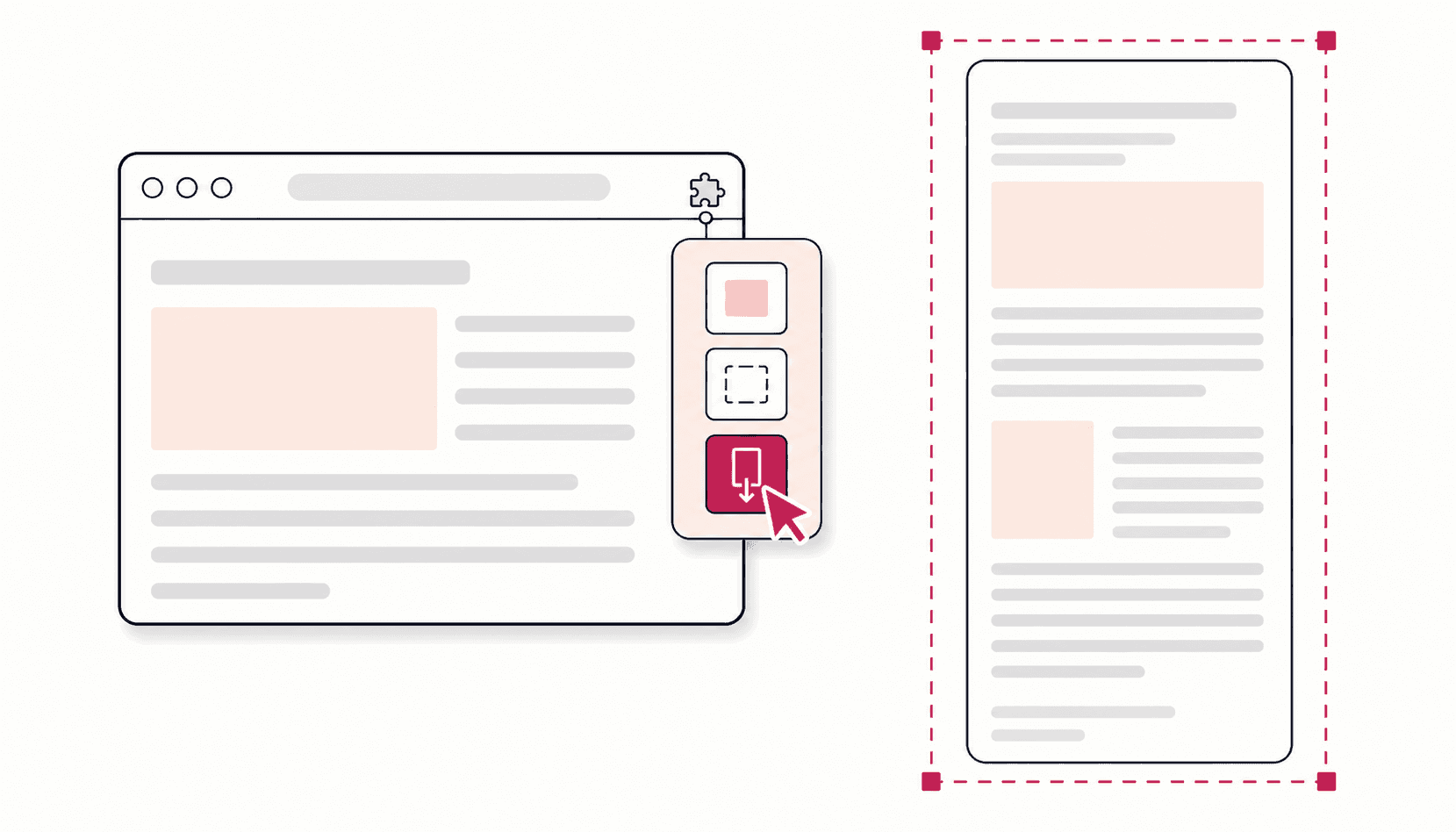
Full Page Screenshot
FireShot Free vs Pro: What You Get, What It Costs, and Free Alternatives
 Kaushik Prasath· Founder
FireShot is free to install, but only partly free to use. The free version, FireShot Lite, captures the entire page, the visible part or a selection and saves PNG, JPEG or a basic PDF, with ads. FireShot Pro, at $39.95 a year or $99.95 for a lifetime license, adds the editor, multi-page and searchable PDFs, and uploads. It is a capable extension with a long history, and for plenty of people it is the right tool. The reasons to look elsewhere are specific: its image editor is part of the paid Pro version and, according to FireShot's own pages, runs on Windows; its advanced PDF options also need Pro; and the free version shows ads. If you want a free alternative with an editor on any computer that runs Chrome, Full Page Screenshot covers that. For the simplest one-click capture, try GoFullPage. For a one-off capture with nothing to install, use Chrome DevTools. If you also need screen recording, Awesome Screenshot fits better.
A disclosure before we go further: Full Page Screenshot is our own extension. I built it, so read this with that in mind. We have tried to keep it fair. Every FireShot fact below comes from getfireshot.com or its Chrome Web Store listing, checked September 2026. Anything we could not confirm from those sources is left out.
For a wider look at the whole category, see our full page screenshot extension comparison.
FireShot at a glance
- Listing name: Take Webpage Screenshots Entirely - FireShot
- History: the site's copyright runs from 2008, and FireShot describes itself as having a 15+ year history
- Chrome Web Store (checked September 2026): 3,000,000 users, rated 4.8 out of 5 from 52.4K ratings, last updated 24 May 2026
- Browsers: Chrome, Edge, Firefox, Opera, Safari, Brave, Vivaldi and others, according to its homepage
- Privacy: FireShot says captures are processed locally, stay on your computer, and work offline
What FireShot does well
FireShot has been doing this job for longer than most of its competitors, and it shows in the breadth of the feature set.
- Browser coverage. Few screenshot tools run in as many browsers. If you switch between Chrome, Firefox and Safari, one tool everywhere is a real convenience.
- PDF output. Pro saves PDFs with working links and searchable text, as a single page or split into multiple pages, with custom page sizes and headers and footers. It can also capture very long pages directly to PDF.
- Batch capture. It can capture all open tabs, or work through a list of URLs you give it.
- Many ways to save and share. PDF, PNG, JPEG, GIF and BMP, plus clipboard, email, printing, and (in Pro) OneNote export, FTP and HTTP uploads, and an API for developers.
- Local processing. FireShot says captures are made on your device and never leave it. That is the same approach we take, and it is the right one for a screenshot tool.
FireShot Lite (free) vs FireShot Pro
FireShot's comparison page splits the product into the free Lite version and Pro, and it lists Pro twice: once for Windows and once for other systems. That split matters, because some Pro features are Windows only.
| Feature | Lite (free) | Pro (not Windows) | Pro (Windows) |
|---|---|---|---|
| Full page, visible area and selection capture | ✅ | ✅ | ✅ |
| All open tabs, list of URLs | Visible part only | ✅ | ✅ |
| Advanced full page capture (handling floating elements) | ❌ | ✅ | ✅ |
| Frames, iframes and scrolling areas | ❌ | ✅ | ✅ |
| Single-page PDF | ✅ | ✅ | ✅ |
| Multipage PDF, direct links, searchable text | ❌ | ✅ | ✅ |
| All tabs to a single PDF | ❌ | ❌ | ✅ |
| Editor: shapes, annotations, undo and redo, resizing | ❌ | ❌ | ✅ |
| Watermarks, headers and footers | ❌ | ✅ | ✅ |
| Uploads (FTP, HTTP) and OneNote export | ❌ | ❌ | ✅ |
| Capture history | Last week only | Full | Full |
| Advertisements | Yes | No | No |
Pricing (checked September 2026). The purchase page lists FireShot Pro at $39.95 a year, marked as a 60% saving, or a $99.95 one-time Lifetime License. A license covers personal use on two devices, and there is a 7-day money-back guarantee. FireShot also offers a Pro trial, after which it reverts to the free version. Its prices change with promotions, so check the purchase page for the current offer.
Why people look for a FireShot alternative
These come straight from FireShot's own pages. None of them are flaws. They are simply where FireShot draws the line between free and paid.
- You want to annotate or blur without paying. The editor is a Pro feature. The Lite column on the comparison page has no editing tools.
- You are not on Windows. The purchase page lists "Editor & smart annotations (on Windows)", and on the comparison page the editing rows are ticked only for Pro on Windows. On a Mac, Chromebook or Linux machine, Pro gives you the advanced capture and PDF features but not the editor.
- You want the free version without ads. The comparison page marks Lite as showing advertisements.
- You want careful full page capture for free. Handling of floating elements, such as sticky headers, is listed under Pro.
- You would rather not pay a subscription for a tool you use a few times a month.
If none of these apply to you, FireShot is probably still the right choice.
The alternatives
Full Page Screenshot (ours)
Best for: free full page capture with a real editor, on any computer that runs Chrome.
Full Page Screenshot is free, with no premium tier and no account. Everything runs locally in your browser, and it works offline.
- Three capture modes: Full Page, Visible Area and Snip
- Careful long-page capture: sticky headers and floating bars appear once, lazy-loaded images get time to load, and the seams between captured strips are checked so you do not get join lines. Pages up to 32,700 pixels tall are supported.
- Editor with seven tools: text, arrows, rectangles, circles, freehand, blur and selection, plus crop, undo and redo. Blur is baked into the exported file, so redacted details stay redacted.
- Frames: place a capture inside a browser window frame for slides and blog posts
- Export: PNG, JPG, WebP or PDF
Where it falls short compared with FireShot: it runs only in Chrome, it does not record video, and its PDF export is an exact image of the page, so the text is not selectable the way it is in FireShot Pro's linked, searchable PDFs. Our PDF comparison covers that trade-off.
GoFullPage
Best for: the simplest possible one-click full page capture.
GoFullPage does one job well. According to its FAQ, the free version lets you take and download as many screenshots as you want, as an image or PDF. Premium costs $12 a year and adds editing, annotation, a datestamp and smart page breaks, with a 7-day free trial. It runs on Chrome, Edge and Firefox. Its Chrome Web Store listing shows 11,000,000 users and a 4.9 rating (checked September 2026).
If you want capture and nothing else, it is an easy recommendation. We compare it with our extension in more detail in our GoFullPage alternative guide.
Chrome DevTools' built-in full size screenshot
Best for: a one-off capture with nothing to install.
Chrome already has a full page screenshot command:
- Open DevTools with
Ctrl+Shift+I(orCmd+Option+Ion a Mac) - Press
Ctrl+Shift+P(orCmd+Shift+P) to open the command menu - Type "screenshot" and choose Capture full size screenshot
Chrome saves the page as a PNG. There is no editor and no format choice, and pages that load content as you scroll can come out incomplete. For the full walkthrough, see our Chrome DevTools full page screenshot guide.
Awesome Screenshot
Best for: people who need screen recording as well as screenshots.
Awesome Screenshot records your desktop, a tab or your camera, with microphone and webcam options, and it also captures full page, selected area and visible area screenshots. Its editor includes blur, and you can save locally or to an online account for a shareable link. If you do not need video, it is more tool than the job requires.
How they compare
Checked September 2026. For the broader category, including tools not covered here, see our main comparison.
| FireShot (free) | FireShot Pro | Full Page Screenshot | GoFullPage | Chrome DevTools | Awesome Screenshot | |
|---|---|---|---|---|---|---|
| Cost | Free | $39.95/yr or $99.95 lifetime | Free | Free; premium $12/yr | Free, built in | Free to install |
| Full page capture | ✅ | ✅ | ✅ | ✅ | ✅ | ✅ |
| Editor and annotations | ❌ | Windows only | ✅ | Premium | ❌ | ✅ |
| PDF export | Single page | Multipage, links, searchable text | ✅ | ✅ | ❌ (PNG only) | ✅ |
| Screen recording | ❌ | ❌ | ❌ | ❌ | ❌ | ✅ |
| Ads | Yes | No | No | No | No | No |
| Account needed | No | License key | No | For premium | No | For cloud saving and sharing |
When to stay with FireShot
Keep using FireShot if it does what you need. It is a good tool, and switching has a cost. It is the stronger choice when:
- You capture in batches. All open tabs at once, or a list of URLs, is a genuine FireShot strength.
- You need PDFs as documents, with clickable links, searchable text and proper page breaks. Pro handles that well.
- You work across browsers, especially Firefox or Safari.
- You are on Windows with Pro and rely on the editor, OneNote export, uploads or the API.
- You already own a Lifetime License. There is little reason to move.
Frequently asked questions
Is FireShot free?
Yes. The Lite version is free and includes full page, visible area and selection capture, plus single-page PDF saving. The editor, advanced PDF features and advanced full page handling need Pro.
How much does FireShot Pro cost?
In September 2026, FireShot's purchase page listed $39.95 a year or a $99.95 one-time Lifetime License for personal use on two devices, with a 7-day money-back guarantee. Prices change with promotions.
Is there a FireShot Pro lifetime license?
Yes. In September 2026 the purchase page offered a one-time Lifetime License at $99.95 for personal use on two devices, alongside the $39.95 yearly plan.
Does the FireShot Pro editor work on a Mac?
FireShot's comparison page ticks the editing features only for Pro on Windows, and its purchase page lists the editor as "on Windows". On a Mac, Pro gives you the advanced capture and PDF features without the editor.
Does FireShot upload my screenshots?
FireShot says captures are processed locally on your device and can be made offline, and its purchase page states that it does not collect or store your data.
Can Full Page Screenshot save a page as PDF?
Yes. It exports PNG, JPG, WebP and PDF for free, and the PDF looks exactly like the page. If you need searchable text, Chrome's own Print to PDF is the better fit, and FireShot Pro adds working links as well. Our PDF guide compares the methods.
The short version
FireShot is a long-standing, multi-browser tool with excellent PDF and batch features. Its editor and advanced PDF options are Pro, the editor runs on Windows, and the free version shows ads. If that is a problem, Full Page Screenshot gives you capture, a seven-tool editor with blur, and four export formats for free in Chrome. If FireShot already does what you need, stay with it.