Full Page Screenshot
How to Take a Full Page Screenshot in Chrome (Including Scrolling Screenshots)
 Kaushik Prasath· Founder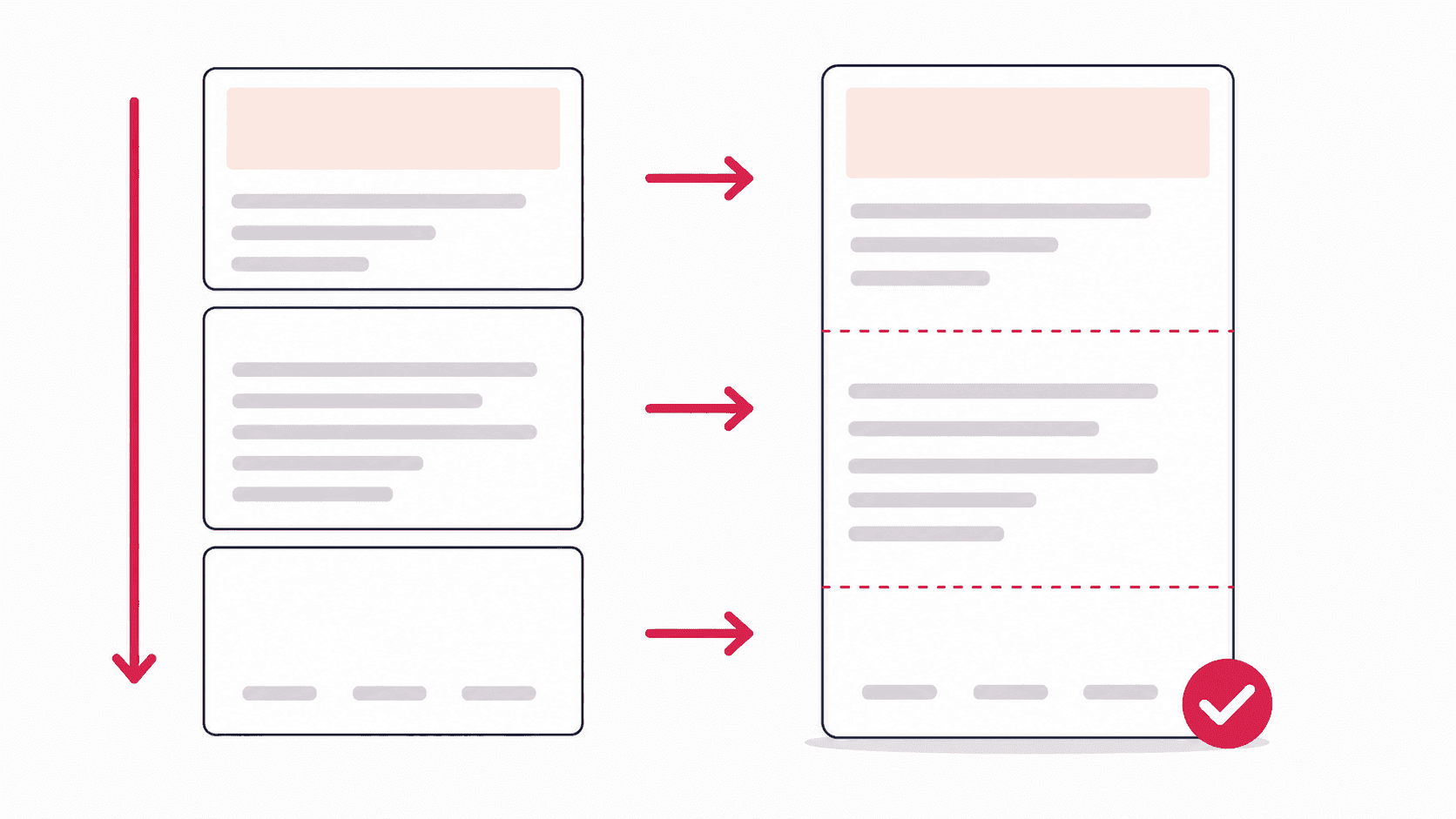
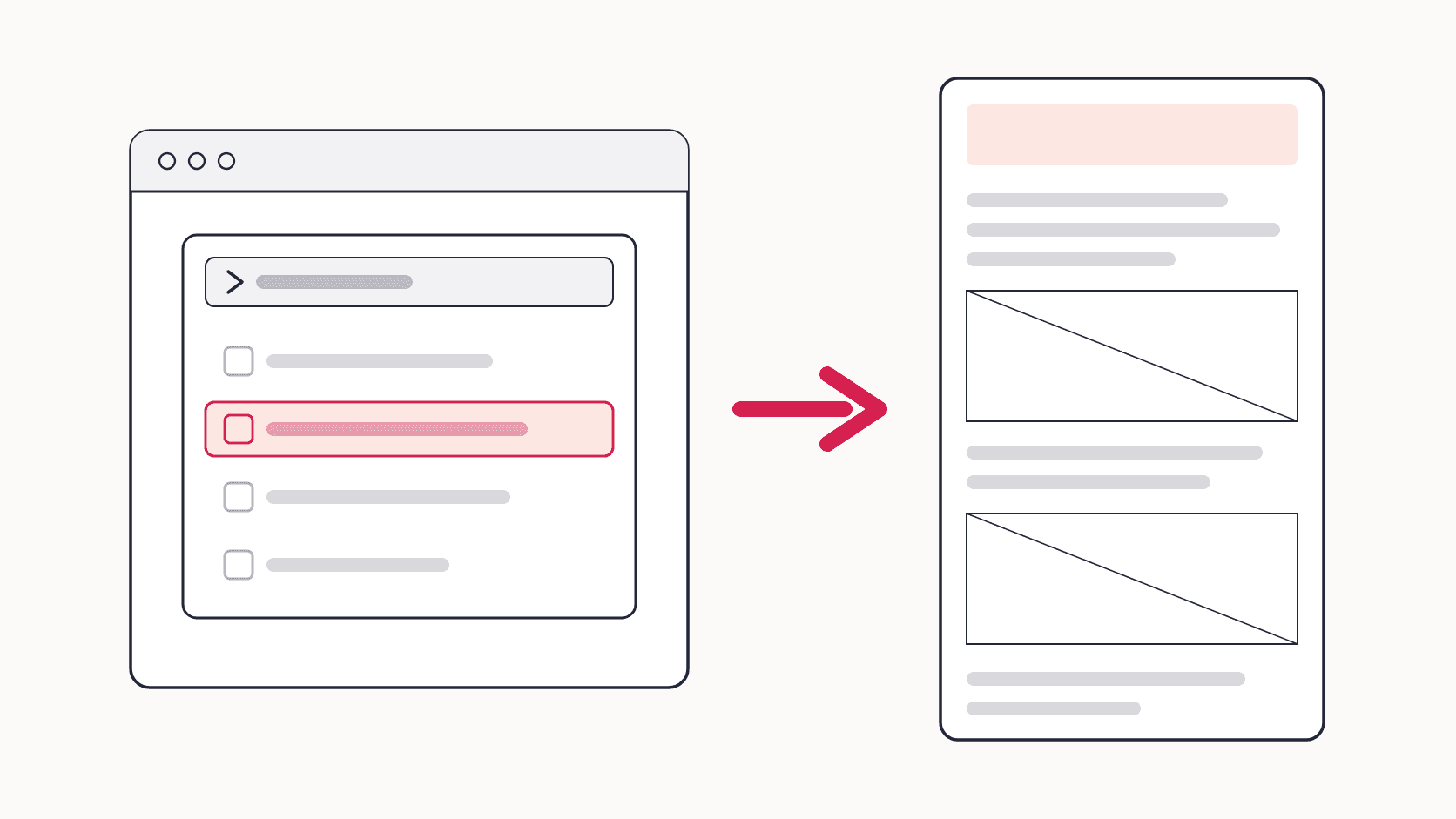
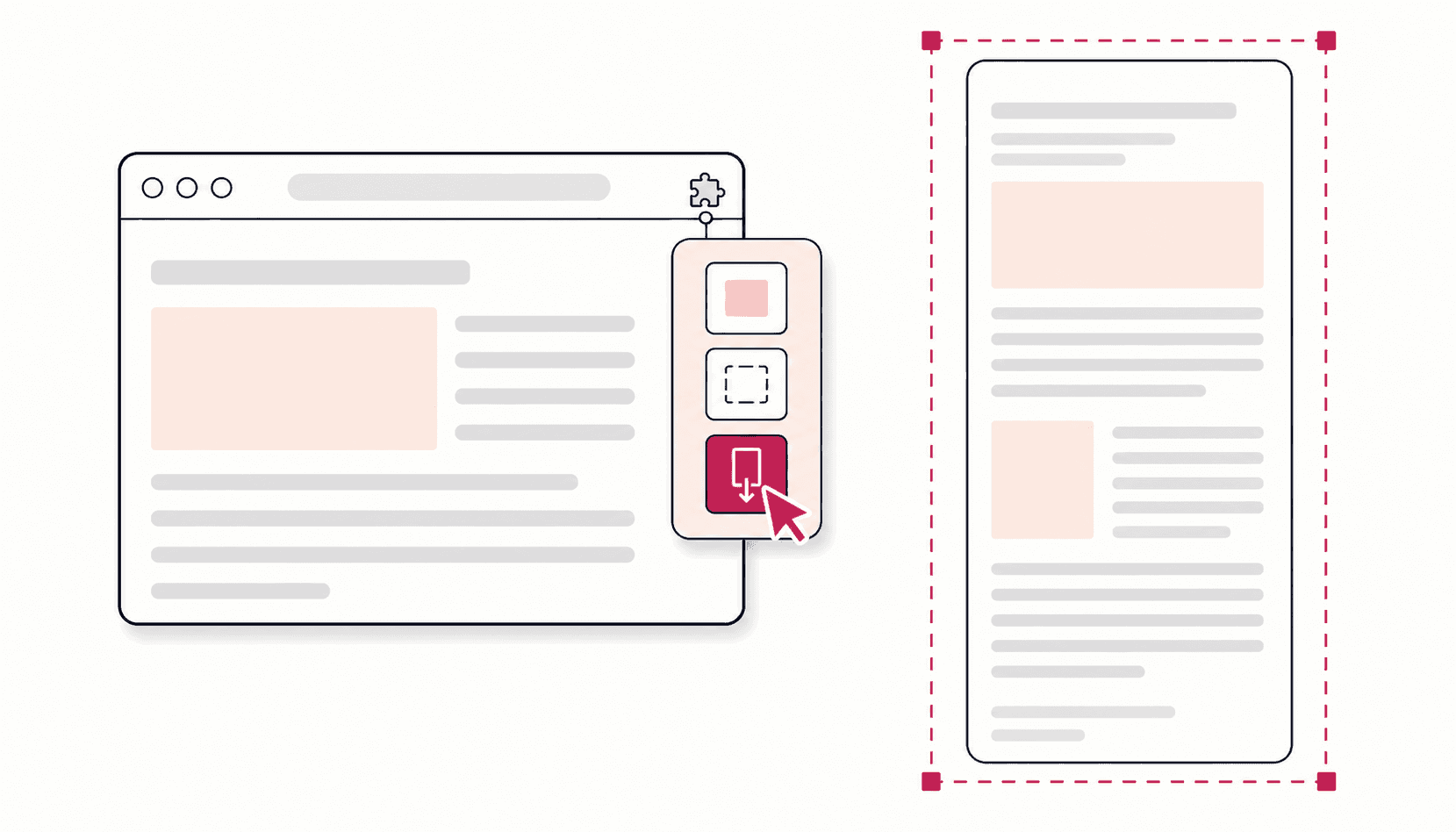
To take a full page screenshot in Chrome, install a free full page screenshot extension, open the page, click the extension icon and choose Full Page. It scrolls the whole page and saves it as one image. Without an extension, open DevTools, press Ctrl+Shift+P (Cmd+Shift+P on Mac), type "screenshot" and choose Capture full size screenshot. A scrolling screenshot is the same thing: a capture of everything on the page, not just what fits on screen.
Quick answer: full page screenshot in Chrome, step by step
- Install Full Page Screenshot from the Chrome Web Store (free, no account).
- Open the page you want and let it finish loading.
- Click the extension icon in the toolbar and choose Full Page.
- Wait a moment while it scrolls and captures. Do not scroll or click during the capture.
- The screenshot opens in an editor. Save it as PNG, JPG, WebP or PDF.
The rest of this guide covers each method in detail, how to do it on a phone, how other browsers compare, and what to do when a capture comes out wrong.
If you came here because GoFullPage disappeared from the Chrome Web Store in August 2026, it has since been restored, and the timeline and your options are covered separately. Every method below works today.
Which method should you use?
| Method | Install needed | Handles lazy images and sticky headers | Editing | Formats | Best for |
|---|---|---|---|---|---|
| Chrome extension | Yes, one click | Yes, automatically | Yes | PNG, JPG, WebP, PDF | Anyone who captures pages regularly |
| Chrome DevTools | No | No, needs manual fixes | No | PNG | One-off captures, nothing to install |
| Headless Chrome | No | No | No | PNG | Developers automating captures |
| Chrome on Android | No | Not documented | Crop only | Image | Phones |
How to take a full page screenshot in Chrome with an extension
Best for anyone who captures pages more than once a month, because it handles scrolling, stitching, sticky headers and lazy-loaded content for you.
- Install Full Page Screenshot from the Chrome Web Store.
- Pin it: click the puzzle-piece icon next to the address bar, then the pin next to the extension, so its icon stays in the toolbar.
- Open the page you want and let it load completely.
- Click the icon and choose Full Page. The other two modes capture the visible area or a snipped region.
- Wait while it scrolls and captures. Do not click or scroll during this pass.
- The finished screenshot opens in the editor: annotate, blur sensitive parts, crop, then export as PNG, JPG, WebP, or PDF.
What happens under the hood: the extension measures the page, pre-scrolls to trigger lazy-loaded content (up to 40 passes), captures each screen, and stitches the sections into one image while showing sticky headers only once. Pages up to 32,700 pixels tall work. If you want a keyboard shortcut instead of clicking, open chrome://extensions/shortcuts and assign one.
If you are choosing between tools, the comparison of full page screenshot extensions covers the honest differences, including which ones charge for the editor.
How to take a full page screenshot in Chrome without an extension
Chrome has a full page screenshot built in. The command is just well hidden in DevTools:
- Press F12 (or Ctrl+Shift+I on Windows and Linux, Cmd+Option+I on Mac) to open DevTools.
- Press Ctrl+Shift+P (Cmd+Shift+P on Mac) to open the Command Menu.
- Type screenshot and choose Capture full size screenshot.
- Chrome renders the whole page and downloads it as a PNG.
This is genuinely useful for one-off captures. Its limits: no editing or annotation, no format choice, PNG only, and very long or lazy-loading pages sometimes come out incomplete, because DevTools renders the page in one pass without scrolling it first. The guide to Chrome DevTools' Capture full size screenshot covers the related commands and a fix for each of those failures.
Headless Chrome, for developers
For automation, Chrome's command line can screenshot a URL directly, for example chrome --headless --screenshot=page.png --window-size=1280,5000 https://example.com. It captures at the window size you set rather than the page's true height, so scripted workflows usually pair it with a headless browser library instead. For everyday captures, stick with an extension or DevTools.
What is a scrolling screenshot?
A scrolling screenshot is the same thing as a full page screenshot: the capture follows the page down and records everything, instead of only the current screen. The term comes from phones, where you extend a screenshot downward as it scrolls. In Chrome on a computer, an extension does the scrolling automatically and DevTools renders the full page in one pass, so there is nothing to extend by hand. If someone asks you for a scrolling screenshot of a webpage, a full page capture from this guide is exactly what they want.
Scrolling screenshots in Chrome on Android and iPhone
Chrome extensions do not run on phones, but both mobile versions of Chrome have their own way to capture more than one screen.
Android. Chrome has a built-in long screenshot, as Google's Chrome help describes:
- Open the page in Chrome.
- Tap More (the three dots next to the address bar), then Share.
- Tap Long screenshot.
- Drag the crop handles to cover as much of the page as you need, then tap Confirm.
- Save the image to your device or share it.
iPhone and iPad. Since Chrome 92 for iOS, Chrome supports the system's full page screenshots, just as Safari does:
- Take a normal screenshot with your device's button combination.
- Tap the preview that appears in the corner of the screen.
- Choose the Full Page tab at the top, then save or share.
For anything you need to annotate, blur or keep at full quality, capturing on a computer is still easier.
Full page screenshots in Edge and Firefox
Two other browsers include a full page capture of their own, so you may not need anything extra there:
- Microsoft Edge: press Ctrl+Shift+S to open the web capture tool and choose Capture full page, according to Microsoft. Edge also has the same DevTools command as Chrome.
- Firefox: right-click an empty part of the page, choose Take Screenshot, then Save full page, as Mozilla explains.
Chrome on desktop has no full page option in its menus, which is why the DevTools command and extensions exist.
Full page screenshots on Windows, Mac, and Chromebook
Inside Chrome, every method above works the same on each desktop platform, so the per-system answer is short:
- Windows: use the extension or the DevTools command. Keyboard screenshots such as Win+Shift+S capture what is on screen, not the rest of the page.
- Mac: Cmd+Shift+4 and Cmd+Shift+3 capture only the visible screen. Use the extension or DevTools inside Chrome.
- Chromebook: ChromeOS's built-in Screen capture grabs the visible screen, but Chrome extensions run natively on Chromebooks, so the extension gives you full page capture there too.
When your full page screenshot fails: 7 fixes
Long pages break captures in predictable ways. The two most common, repeating headers and blank images, have their own step-by-step guide. If you want to know why they happen at all, the notes from building a capture engine go deeper.
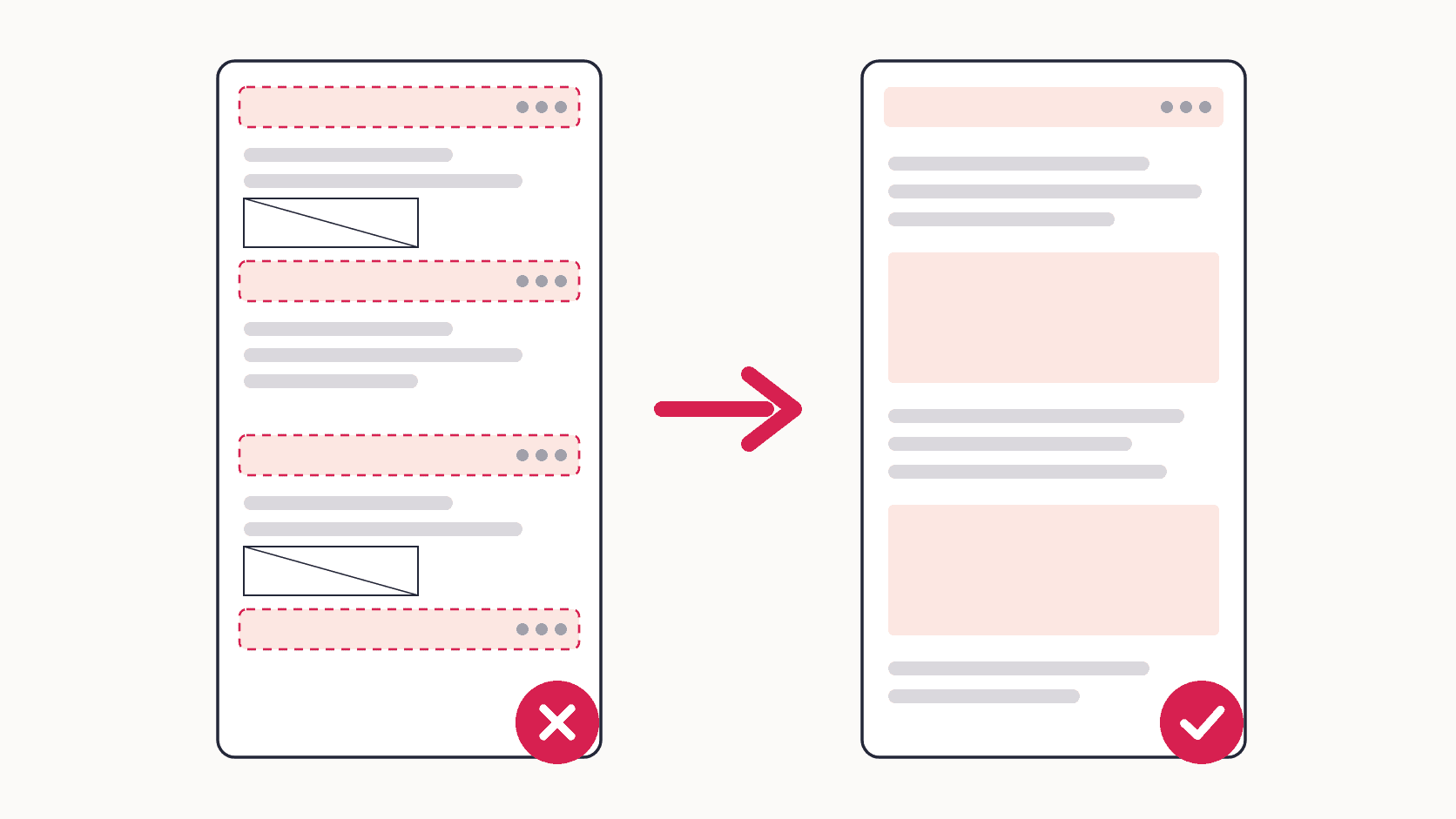
- Sticky header repeats in every section. Use a capture tool that handles fixed elements automatically, or temporarily hide the header. This is the most common stitching artifact.
- Images missing or grey placeholders. The page lazy-loads content. Scroll to the bottom once before capturing, or use an extension that pre-scrolls for you.
- Collapsed content captured shut. Accordions and tabs render exactly as they are on screen. Expand every section you need visible before you capture.
- Blurry or wrong-scale output. Reset the browser zoom to 100% (Ctrl+0) and use maximum export quality. Zoomed pages produce distorted stitches.
- Capture freezes or produces a blank image. Two Chrome-side fixes help most often: clear cached data via Settings > Privacy and Security > Clear browsing data, and turn off graphics acceleration under Settings > System (older versions call it hardware acceleration), then restart Chrome.
- Extension conflicts. Ad blockers and script managers sometimes interfere with capture extensions. Test in a clean browser profile to find the culprit.
- The page cannot be captured at all. Chrome blocks every extension on chrome:// internal pages, the Chrome Web Store, and DRM-protected content like streaming players. That is a browser security rule, not a tool bug. Embedded scrollable frames are also limited: open the frame's URL in its own tab and capture that.
Two more habits prevent most problems in the first place: refresh the page before an important capture so you are not archiving a stale version, and close chat widgets and promo popups (or let the extension dismiss them).
Once you can capture a whole page reliably, it becomes a useful record for audits, bug reports and client work. How teams use full page screenshots covers those workflows.
FAQ
How do I take a scrollable screenshot in Chrome?
On a computer, use a full page screenshot extension and choose Full Page, or open DevTools, press Ctrl+Shift+P, type "screenshot" and choose Capture full size screenshot. On Android, tap More, then Share, then Long screenshot. On iPhone, take a screenshot, tap the preview and choose Full Page.
How can I take a screenshot of a full web page?
Use a tool that captures beyond the visible screen: a Chrome extension that scrolls and stitches the page, Chrome's DevTools command, or the built-in full page option in Edge or Firefox. A normal keyboard screenshot only captures what is on screen.
How do I screenshot a whole page in Chrome without an extension?
Open DevTools with F12, press Ctrl+Shift+P, type "screenshot", and choose Capture full size screenshot. Chrome saves the entire page as a PNG. It works well for one-off captures but offers no editing, and very long lazy-loading pages may come out incomplete.
Why isn't my long screenshot working in Chrome?
Most often the page loads content as you scroll, so parts are still empty when the capture happens, or a fixed header repeats down the image. Scroll through the page once first, reset the zoom to 100%, and see the fixes for repeating headers and blank images.
What is the difference between a full screen and a full page screenshot?
A full screen screenshot captures your monitor exactly as it looks right now, which for a webpage means only the part you can see. A full page screenshot captures the entire webpage from header to footer, including everything you would have to scroll to see. Every method in this guide produces the second kind.
Why is my full page screenshot cut off?
Usually one of three causes: the page lazy-loads content that never rendered (scroll through it first), the page exceeds the tool's height limit (Full Page Screenshot handles up to 32,700 pixels), or the content sits in an embedded scrollable frame, which you should open in its own tab and capture directly.