Web content is no longer stable in the way it once was. Websites are continuously updated to match new business goals, design trends, user behavior, and market demands. Even a simple action like refreshing a page can show updated pricing, modified text, new visuals, or completely redesigned layouts. In many cases, content that was visible just a few hours ago may no longer exist in the same form, making it difficult to rely on live webpages for long-term reference.
For professionals who depend on digital data such as marketers tracking campaigns, researchers collecting references, developers documenting UI changes, or analysts reviewing competitors, this constant evolution creates a serious challenge. The real difficulty is not accessing information, but preserving it in a way that remains accurate and unchanged over time. Without proper capture methods, important context can easily be lost as webpages continue to evolve.
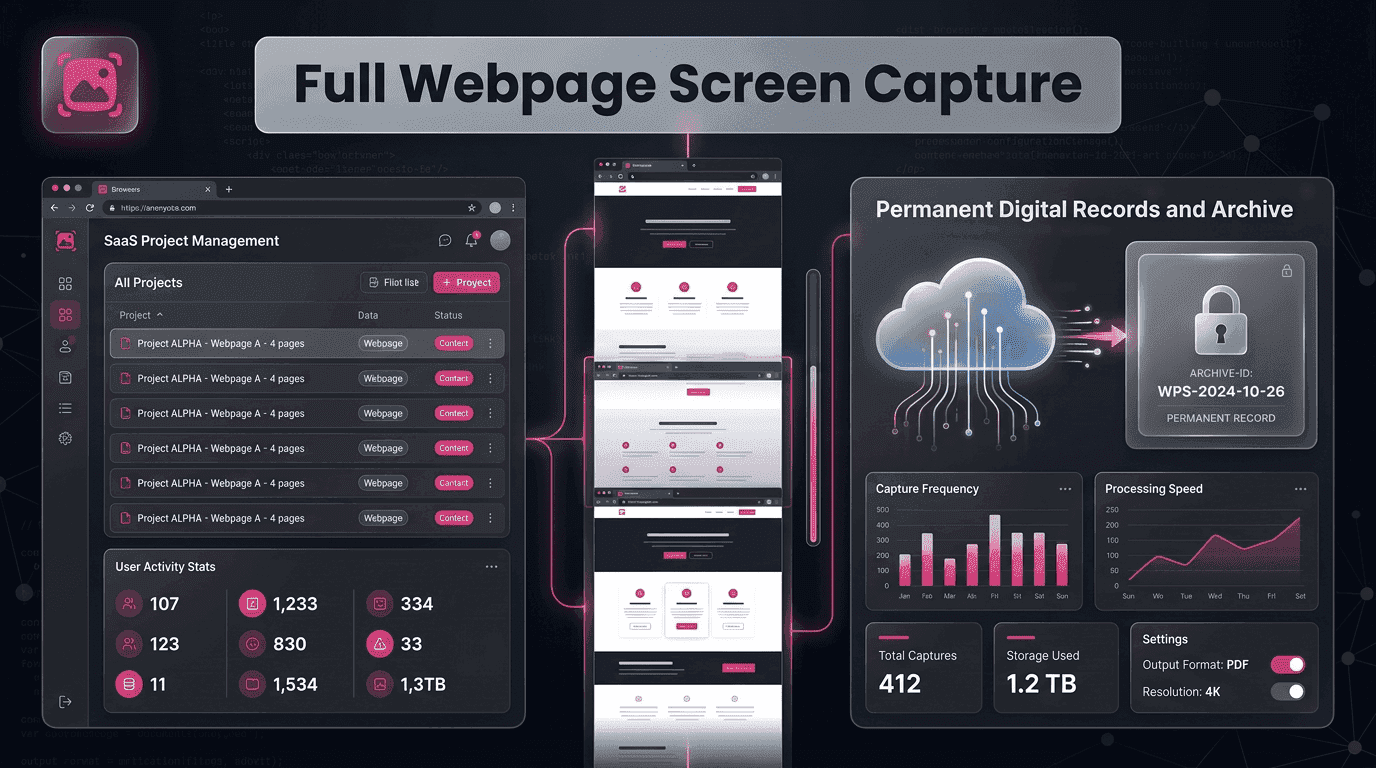
This is where Fullpage Screen Shotting becomes essential. A Full webpage screen capture provides a reliable way to preserve an entire webpage exactly as it appears at a specific moment in time, including content that extends beyond the visible screen. It captures layout, structure, images, and text in a single complete record, ensuring nothing is missed.
The Shift from Temporary Web Content to Permanent Digital Evidence
The internet was originally designed for information sharing, not long-term preservation. As a result, webpages are frequently updated or removed without notice. This creates gaps in digital records for businesses, researchers, and analysts.
A Full webpage screen capture solves this by freezing the webpage in its exact state. Instead of relying on live content that may change, users gain a permanent snapshot of digital information. This is especially important in industries where accuracy and historical tracking matter.
Fullpage Screen Shotting helps bridge this gap by turning dynamic webpages into structured visual evidence that can be stored and retrieved anytime.
Why Fragmented Screenshots Fail in Real Documentation Work
Most users still rely on traditional screenshots when saving webpage content. However, this method is incomplete by design. It only captures what is visible on the screen, leaving out the rest of the content below.
To compensate, users take multiple screenshots, scroll repeatedly, and try to merge images manually. This process often leads to misalignment, missing sections, and inconsistent documentation quality.
A Full webpage screen capture removes this entire layer of complexity by capturing the full length of the webpage in a single action. The result is a clean, uninterrupted visual record that preserves context and structure.
How Full Webpage Capture Builds Reliable Information Archives
A proper digital archive is not just about saving information—it is about preserving context. Webpages often include layouts, visuals, and interactive elements that provide meaning beyond text alone.
When captured fully, these elements remain intact, allowing users to revisit the page exactly as it existed. This is critical for audits, compliance checks, and historical analysis.
With Fullpage Screen Shotting, users can systematically convert online pages into structured archives without losing detail or accuracy. Each Full webpage screen capture becomes a reliable reference point for future use.
Industries That Benefit from Full Webpage Screen Capture
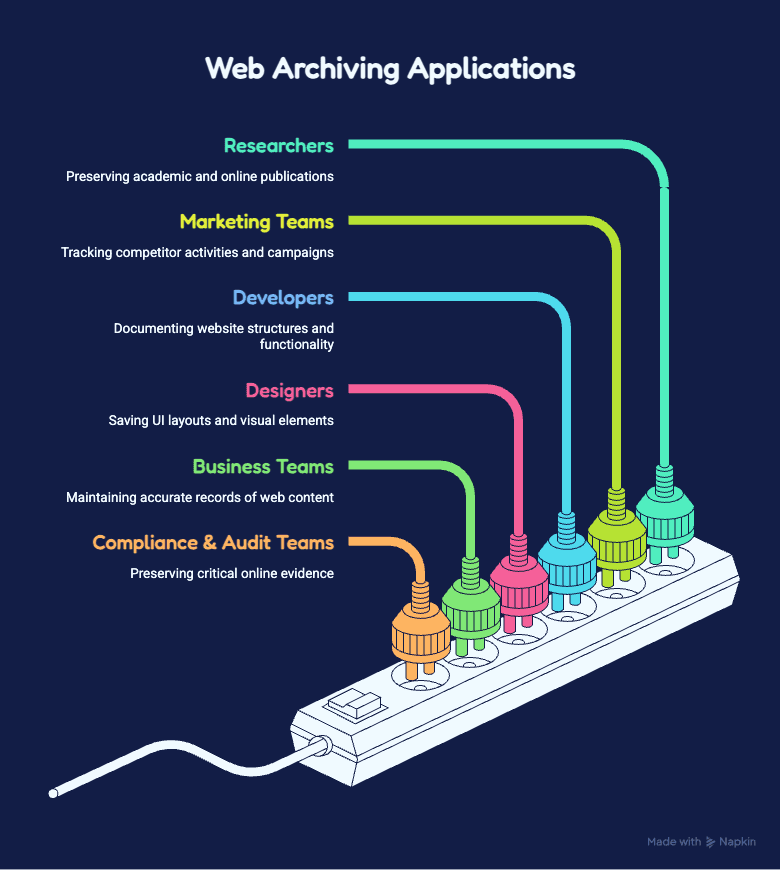
Researchers – Preserve academic sources and online publications before they change.
**Marketing Teams **– Track competitor websites, campaigns, and landing pages.
Developers – Document website structures and functionality before updates.
**Designers **– Save UI layouts and visual elements for future reference.
Business Teams – Maintain accurate records of web content and digital assets.
**Compliance & Audit Teams **– Preserve critical online evidence and documentation.
Improving Workflow Efficiency Through Complete Page Capture
Efficiency in digital workflows is often determined by how much manual effort is required to complete repetitive tasks. Traditional screenshot methods slow down documentation because they require multiple steps.
Capturing full webpages reduces this friction. Instead of handling multiple images, users work with a single complete file. This simplifies organization, sharing, and analysis.
A Full webpage screen capture allows teams to shift their focus from collecting data to actually using it. This leads to better productivity and faster decision-making.
Accuracy as the Foundation of Digital Documentation
Inaccurate documentation can lead to misinterpretation, especially when important details are missing. Even a small section of a webpage can contain critical information such as pricing, legal notices, or design changes.
By capturing the entire webpage, users eliminate the risk of missing hidden or scroll-based content. This ensures that every detail is preserved exactly as it appeared.
Fullpage Screen Shotting prioritizes this level of accuracy, ensuring that each Full webpage screen capture reflects the true structure and content of the original page.
Real-Time Content Changes and the Need for Instant Capture
One of the biggest challenges in the digital world is unpredictability. Websites can change at any moment without prior notice. A page that exists today may be completely different tomorrow.
This unpredictability makes real-time capture essential. Users need to preserve information instantly before it changes or disappears.
A Full webpage screen capture provides this capability by allowing immediate documentation of live web content. It ensures that no valuable information is lost due to unexpected updates.
Structuring Digital Knowledge for Long-Term Use
Captured webpages are not just images—they are knowledge assets. When organized properly, they become part of a long-term digital knowledge system.
Businesses can revisit past campaigns, researchers can track information evolution, and teams can compare historical versions of web content.
Fullpage Screen Shotting helps structure this knowledge by producing consistent and complete webpage records. Each Full webpage screen capture contributes to building a reliable digital history.
The Role of Capture Tools in Modern Digital Workflows
A marketing manager is reviewing a competitor’s landing page that is performing well in ads. She knows the page might be updated or removed at any time, so she quickly captures the entire webpage before any changes happen. Later, during a team meeting, she is able to show the exact layout, messaging, and design that was used at that moment, helping the team make better strategic decisions.
As work becomes increasingly digital, tools that simplify information handling are becoming more important. Webpage capture is no longer a secondary task—it has become a core part of documentation workflows used across marketing, design, research, and development teams.
A Full webpage screen capture integrates seamlessly into these workflows by reducing manual effort while improving output quality. It allows professionals to preserve complete webpages in a single action, ensuring accurate records that support collaboration, reporting, and decision-making.
Conclusion: Turning Webpages into Permanent, Usable Assets
The internet will continue to evolve rapidly, and with it, the challenge of preserving digital content will grow. Without proper tools, valuable information can easily be lost or distorted over time. A Full webpage screen capture solves this problem by converting dynamic webpages into permanent, accurate records that can be used long after the original page changes.
Fullpage Screen Shotting enables users to capture entire webpages with consistency and precision, transforming temporary online content into structured digital assets. This not only improves documentation quality but also strengthens research, collaboration, and long-term information management.
By turning webpages into permanent records, professionals gain control over digital information in a constantly changing online environment.