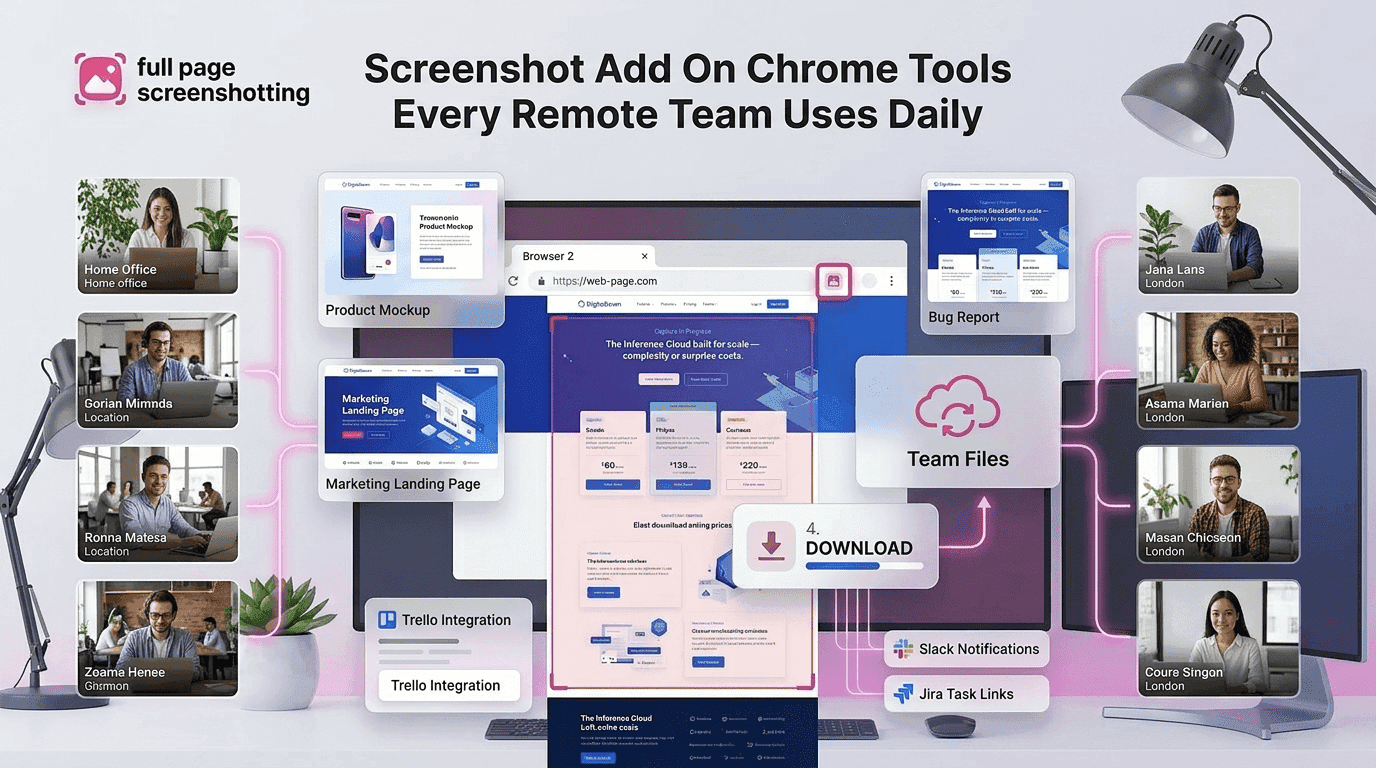
Remote work has completely changed the way teams communicate and manage daily tasks. Businesses now rely heavily on online collaboration tools to handle projects, provide feedback, share updates, and solve technical issues. In this digital environment, visual communication has become one of the fastest and most effective ways to improve workflow efficiency.
Instead of writing long explanations, remote teams often use screenshots to communicate ideas instantly. A screenshot can explain a design issue, highlight a bug, show webpage changes, or provide training instructions within seconds. This is why browser-based screenshot tools are becoming essential for modern workplaces.
A reliable screenshot add-on chrome tool helps remote teams capture full webpages, annotate screenshots, and share visual information quickly without depending on heavy desktop software. Extensions like FullPageScreenshotting are helping businesses simplify communication and improve productivity across distributed teams.
As remote collaboration continues growing, screenshot extensions are becoming an important part of daily workflows for marketers, developers, customer support teams, designers, and agencies.
Why Remote Teams Depend on Visual Communication
Remote teams often work across different locations and time zones, making clear communication extremely important. Text-only communication can sometimes create confusion because written explanations may be misunderstood or lack visual context.
Screenshots solve this problem by showing information directly instead of describing it through long messages. Team members can instantly understand webpage layouts, software issues, analytics reports, or design updates through visual references.
Visual communication is especially useful for:
- Website reviews
- Software testing
- Design approvals
- Technical troubleshooting
- Training documentation
- Client collaboration
A modern screenshot extension helps teams communicate faster while reducing misunderstandings. Instead of scheduling additional meetings or writing detailed instructions, employees can simply capture and share screenshots.
Browser-based screenshot tools are particularly valuable because they work directly inside Chrome. Users can capture webpages instantly without switching between applications or installing complicated software.
How Screenshot Extensions Improve Team Collaboration
Screenshot extensions improve collaboration by simplifying feedback, reporting, and communication workflows.
Faster Feedback
Remote teams often review websites, advertisements, landing pages, dashboards, and applications. Screenshot tools allow employees to quickly capture specific sections and provide direct visual feedback.
Instead of explaining webpage issues in text, teams can:
- Highlight errors
- Mark design changes
- Point to specific sections
- Add notes directly on screenshots
This makes collaboration faster and more efficient.
Better Issue Reporting
Developers and QA teams rely heavily on screenshots when reporting bugs or interface problems. A screenshot provides instant clarity about the issue, reducing confusion between departments.
Visual bug reporting helps teams:
- Identify problems quickly
- Reduce communication delays
- Improve troubleshooting accuracy
- Speed up fixes
Full-page screenshot functionality becomes especially useful when documenting long webpages or application interfaces.
Easier Approvals
Managers, clients, and stakeholders often need to review webpage updates, advertisements, or designs before approval. Screenshot tools simplify this process because users can instantly share webpage visuals for feedback.
Instead of sending multiple files or scheduling demonstrations, teams can quickly provide visual previews using screenshots.Extensions like FullPage Screenshotting Chrome Extension help remote teams capture complete webpages without complicated workflows.
Best Workflow Examples for Teams
Different industries and departments use screenshot tools in unique ways to improve collaboration and efficiency.
Marketing Teams
Marketing teams frequently use screenshots for:
- Campaign reporting
- Landing page analysis
- Competitor research
- Advertisement reviews
- Content planning
Visual references help marketers organize ideas and communicate updates more effectively.
Developers
Developers use screenshot extensions daily for:
- Bug reporting
- UI testing
- Website documentation
- Error tracking
- Feature reviews
A screenshot often explains technical issues faster than lengthy written reports.
Customer Support
Customer support teams use screenshots to:
- Explain troubleshooting steps
- Guide customers visually
- Record user issues
- Improve response clarity
Visual communication improves customer experience because users can follow screenshot instructions more easily.
Designers
Designers frequently share webpage screenshots for:
- Client feedback
- Layout reviews
- UI inspiration
- Prototype discussions
Annotation tools are especially valuable for highlighting specific design elements.
SEO Agencies
SEO professionals use screenshots for:
- Website audits
- Ranking reports
- Competitor tracking
- Technical issue documentation
- Client reporting
Full-page screenshots are particularly useful for preserving webpage layouts and tracking website updates over time.
Full Page Screenshots for Documentation
Documentation is an important part of remote workflows, especially for businesses managing training, onboarding, and operational processes.
A screenshot add on chrome tool simplifies documentation because users can visually capture entire webpages and workflows instantly.
SOP Creation
Businesses frequently create Standard Operating Procedures (SOPs) to document internal processes. Screenshots improve these guides by visually explaining each step.Employees can understand workflows more quickly when screenshots accompany written instructions.
Training Materials
Training documents become more effective when visual references are included. Screenshot-based guides help remote employees learn software systems, tools, and processes faster.This is particularly useful for onboarding new team members working remotely.
Internal Guides
Companies often create internal knowledge bases containing:
- Workflow instructions
- Technical documentation
- Process explanations
- Support resources
Screenshots improve clarity and reduce confusion within these guides.Full-page capture functionality helps teams document complete webpages without splitting content across multiple images.
Why Browser-Based Tools Save Time
Browser-based screenshot tools are becoming more popular because they eliminate many of the problems associated with traditional desktop software.
No Software Installation
Desktop screenshot applications often require large downloads, installation steps, and manual updates. Browser-based extensions work instantly inside Chrome with minimal setup.This simplifies deployment across remote teams.
Easy Sharing
Screenshot extensions often include quick sharing features such as:
- Instant downloads
- Clipboard copy
- Shareable links
- Cloud uploads
These options improve collaboration and reduce file-handling delays.
Quick Onboarding
Remote teams need tools that employees can learn quickly. Screenshot extensions usually have simple interfaces and one click capture functionality, making onboarding easier for new users.
Lightweight browser tools also reduce technical support requirements because they are easier to install and manage.
Why Full Page Screenshot Extensions Continue Growing
Modern business workflows increasingly depend on webpage documentation and visual collaboration. Traditional screenshot methods often struggle to capture long webpages properly, especially when scrolling content is involved.
Full-page screenshot extensions solve this problem by automatically capturing entire webpages in one image.
This functionality is useful for:
- Reports
- Website audits
- Documentation
- Landing page reviews
- Educational resources
- Client approvals
Tools like FullPage Screenshotting continue gaining popularity because they simplify webpage capture while remaining lightweight and easy to use.
As remote work continues expanding globally, browser-integrated screenshot tools are becoming an essential part of team productivity workflows.
Final Thoughts
Remote teams rely heavily on visual communication to improve collaboration, reduce misunderstandings, and speed up workflows. Screenshot extensions help businesses simplify reporting, feedback collection, training, and documentation processes.
A professional screenshot add-on chrome tool allows teams to capture full webpages, annotate screenshots, and share visual information instantly from inside the browser.
Compared to traditional desktop software, browser-based screenshot tools are faster, easier to install, and more suitable for modern remote workflows.