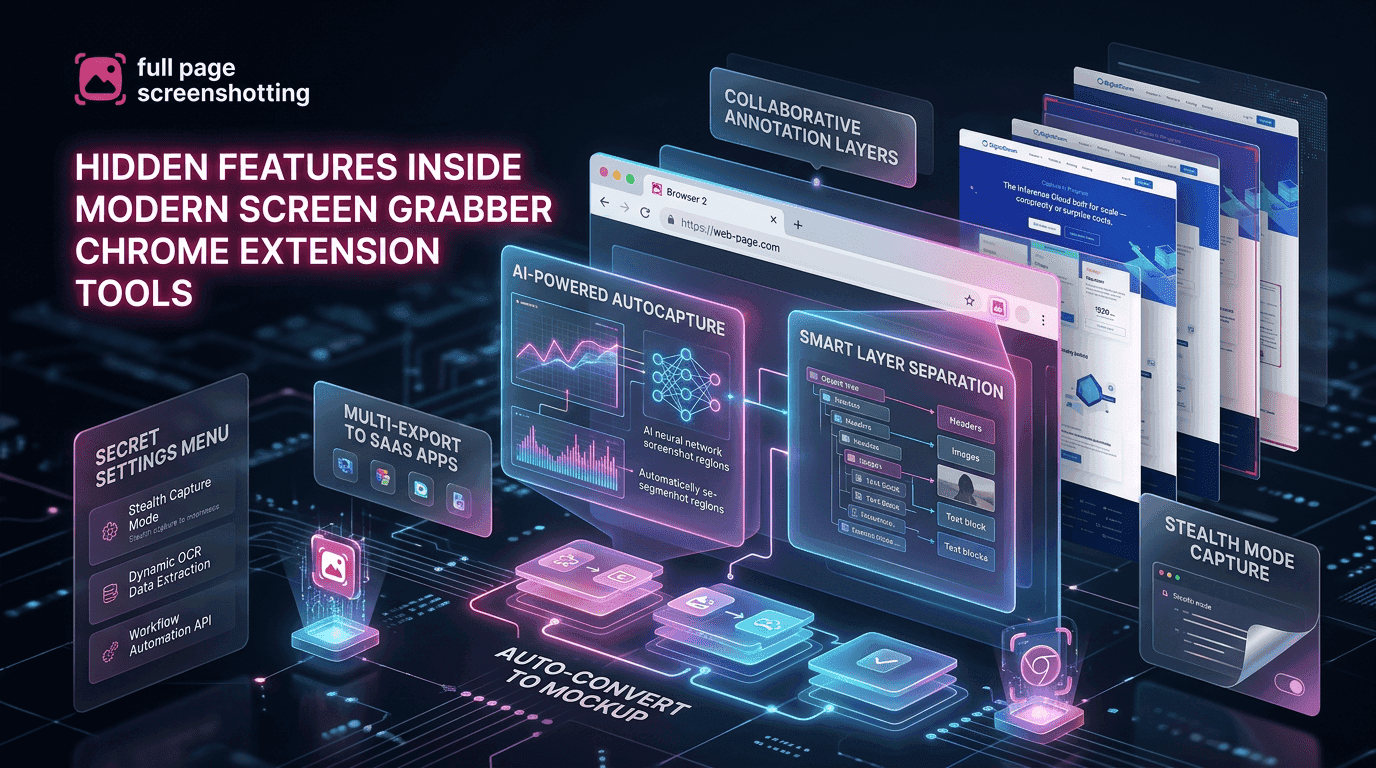
Modern internet users capture screenshots almost every day, but most people still use only the basic screenshot features available in browsers or operating systems. Traditional screenshot methods are useful for quick captures, but they often lack the advanced functionality needed for professional workflows. This is why browser-based screenshot tools are becoming increasingly popular among marketers, developers, businesses, students, and content creators.
A modern screen grabber chrome extension is designed to do far more than capture a visible screen. Today’s tools can automatically scroll webpages, annotate screenshots, export files in multiple formats, and simplify collaboration across teams. Many users install screenshot extensions but never explore these advanced capabilities.
Most Users Only Use Basic Screenshot Features
Most users rely on simple screenshot methods because they are familiar and easy to access. However, these methods are often limited when users need advanced webpage capture functionality. Traditional screenshots may fail to capture long webpages, dynamic content, or interactive elements properly.
Modern Chrome screenshot extensions solve these issues by integrating advanced screenshot features directly into the browser. Instead of using multiple applications, users can capture, edit, and share screenshots within seconds.
The increasing demand for visual communication is also driving the growth of screenshot extensions. Businesses, remote teams, and creators need faster ways to share information visually, and browser-based screenshot tools simplify that process significantly.
Advanced Features Many Users Ignore
Many modern screenshot extensions include powerful features that most users rarely explore. These hidden tools can save time, improve collaboration, and simplify online workflows.
Delayed Capture
Delayed capture allows users to set a timer before the screenshot is taken. This feature is extremely useful for capturing temporary webpage elements such as dropdown menus, hover effects, and pop-ups that disappear during normal screenshot attempts.
It also helps users prepare webpages properly before capture, ensuring cleaner and more accurate screenshots. Delayed screenshots are especially useful for tutorial creators, developers, and UI designers who need precise webpage captures.
Auto-Scroll Capture
Auto-scroll capture is one of the most valuable features in a modern screenshot extension. Instead of taking multiple screenshots manually, the extension automatically scrolls through the webpage and combines everything into a single image.
This feature is ideal for:
- Long blog pages
- Landing pages
- Analytics dashboards
- Product listings
- Reports
- Documentation pages
Extensions like FullPage Screenshotting Chrome Extension simplify full-page webpage capture without requiring image stitching or editing.
Annotation Mode
Annotation tools help transform screenshots into collaborative communication assets. Users can highlight important sections, add arrows, insert notes, and mark webpage elements directly on the screenshot.
This feature is commonly used in:
- Bug reporting
- Client feedback
- Educational tutorials
- Design approvals
- Team collaboration
- Annotations reduce confusion and improve communication efficiency.
Blur Sensitive Content
Many users share screenshots publicly or within teams, which can accidentally expose sensitive information. Blur functionality allows users to hide passwords, payment details, email addresses, or private data before sharing screenshots.
This privacy-focused feature improves security while maintaining screenshot usability.
Keyboard Shortcuts
Keyboard shortcuts help users capture screenshots faster without navigating through menus repeatedly. Professionals who take screenshots frequently benefit significantly from shortcut-based workflows because they reduce repetitive actions and improve efficiency.
Smart Export Options That Save Time
Modern screenshot extensions support multiple export formats that improve flexibility across different workflows and use cases.
PNG Export
PNG is one of the most commonly used screenshot formats because it preserves image clarity and quality. This format is useful for professional documentation, tutorials, UI references, and webpage captures where readability is important.
JPG Export
JPG files are smaller in size and easier to share quickly online. Users often prefer JPG exports for social media sharing, email attachments, and lightweight content distribution.
PDF Export
PDF export functionality allows users to convert webpage screenshots into professional documents instantly. Businesses frequently use this feature for reports, training materials, and archived webpage records.
Clipboard Copy
Clipboard copy is one of the fastest ways to share screenshots. Instead of downloading files manually, users can instantly paste screenshots into chat applications, project management tools, emails, or documents.
Collaboration Features in Screenshot Extensions
Modern screenshot extensions are increasingly designed for team collaboration and remote communication. Visual collaboration improves productivity because screenshots communicate information faster than lengthy written explanations.
Shareable Links
Some screenshot extensions generate instant shareable links after capturing a webpage. This simplifies communication because users can share screenshots quickly without uploading files manually.
Team Comments
Collaborative screenshot tools often support team comments and feedback systems. Designers, developers, and marketers can review screenshots together and discuss webpage elements directly within the shared image environment.
Instant Uploads
Cloud-based screenshot extensions may automatically upload screenshots after capture. This feature improves workflow speed and simplifies accessibility for distributed teams.
Productivity Tricks Using Screenshot Tools
Modern screenshot extensions are valuable productivity tools that support multiple workflows beyond simple webpage capture.
Faster Reporting
Screenshots simplify reporting because visuals explain issues more effectively than long written descriptions.
Benefits include:
- Faster bug identification
- Easier client communication
- Better website documentation
- Simplified analytics reporting
- Improved workflow transparency
Content Planning
Marketers and content creators frequently use screenshots to organize ideas, save references, and monitor competitor strategies.
Screenshot tools help with:
- Landing page analysis
- Design inspiration
- SEO tracking
- Social media planning
- Competitor research
Visual Note-Taking
Students and researchers often use screenshots instead of copying large text sections manually. Visual note-taking improves information organization and makes online resources easier to review later.
Mistakes Users Make While Capturing Screenshots
Even advanced screenshot tools can produce poor results if users ignore important capture practices.
Wrong Zoom Level
Capturing screenshots at incorrect zoom settings can distort webpage layouts and reduce screenshot accuracy.
Best practices include:
- Keep Chrome zoom at 100%
- Avoid excessive browser scaling
- Check responsive layouts before capture
- Maintain consistent screen resolution
Capturing Before Loading Finishes
Many webpages contain animations, lazy-loaded images, or dynamic content that may not appear immediately after loading.
To improve screenshot quality:
- Wait for full page loading
- Scroll once before capture
- Pause animations if possible
- Ensure all webpage elements are visible
Ignoring these steps can lead to broken layouts, missing images, or incomplete webpage captures.
Why Full Page Screenshot Extensions Continue Growing
Modern websites are becoming longer, more interactive, and visually complex. Traditional screenshot methods struggle to capture these pages properly, especially when scrolling content is involved.
A full-page screenshot extension simplifies this process by automatically capturing complete webpages in a single image. Businesses, marketers, developers, and educators increasingly rely on these tools because they improve productivity while reducing manual work.
Extensions like FullPage Screenshotting continue growing in popularity because they offer lightweight, browser-integrated webpage capture functionality without requiring complicated desktop software.
Final Thoughts
Modern screenshot extensions are far more advanced than basic screen capture tools. Features like auto-scroll capture, annotations, blur tools, cloud sharing, and instant exports help users improve productivity and collaboration.
A professional screen grabber chrome extension simplifies workflows for developers, designers, marketers, students, remote teams, and businesses. Instead of relying on outdated screenshot methods, users can now capture and manage webpage screenshots quickly inside Chrome.
As visual communication continues becoming more important in digital workflows, advanced browser-based screenshot tools will remain essential productivity solutions for modern internet users.