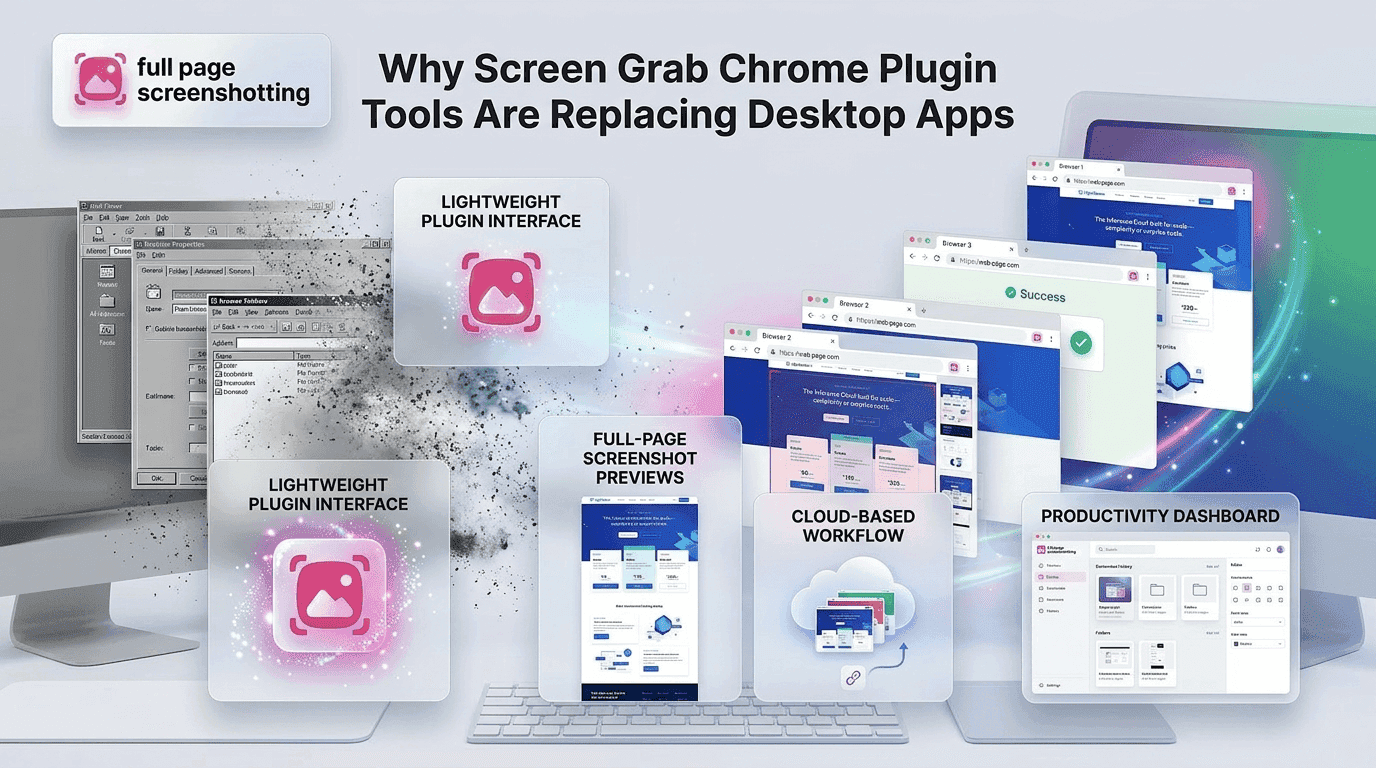
The way people capture screenshots has changed dramatically over the last few years. Earlier, most users depended on heavy desktop software for webpage screenshots, screen recording, and image capturing. Those applications often required installation packages, regular updates, and large storage space. Today, browser-based tools are becoming the preferred choice because they are faster, simpler, and more convenient.
A modern screen grab chrome plugin can instantly capture webpages without requiring complex software installations. Whether someone is a student saving research notes, a marketer documenting landing pages, or a developer reporting UI issues, Chrome screenshot extensions simplify the entire workflow.
The growing popularity of browser-based screenshot tools is largely driven by productivity needs. Users want lightweight tools that work instantly inside Chrome without slowing down their systems. This is why extensions like FullPageScreenshotting are becoming popular alternatives to traditional desktop screenshot applications.
The Shift From Desktop Software to Browser Tools
Traditional desktop screenshot software was once the standard option for screen capturing. These applications offered advanced features but often came with several drawbacks:
- Large installation files
- High RAM usage
- Frequent updates
- Complex interfaces
- Slower startup times
As online work environments evolved, users began searching for faster and simpler solutions. Browser extensions emerged as an ideal alternative because they work directly inside Chrome and eliminate the need for separate applications.
The rise of remote work, online collaboration, and digital communication accelerated this shift. Businesses and individuals increasingly needed quick visual communication tools that could capture webpages instantly.
Browser-based screenshot extensions became attractive because they:
- Launch instantly
- Require minimal setup
- Integrate directly into Chrome
- Consume fewer system resources
- Support full page webpage capture
Today, many users prefer browser screenshot tools over desktop applications because they are more practical for daily online workflows.
What Makes Chrome Plugins Faster
One of the biggest reasons Chrome screenshot plugins are replacing desktop apps is speed. Modern users expect tools to work immediately without long loading times or complicated installation processes.
Lightweight Architecture
Chrome extensions are designed to run inside the browser environment. Unlike desktop software, they do not require large executable files or extensive background processes.
This lightweight structure improves performance by reducing system strain. Users can capture screenshots without slowing down their devices.
Faster Installation
Installing a Chrome screenshot extension usually takes only a few seconds. Users simply visit the Chrome Web Store, click install, and start using the tool immediately.
Desktop software often requires:
- Downloading setup files
- Completing installation steps
- Granting permissions
- Restarting systems
- Browser extensions eliminate most of these steps.
No Heavy Software Downloads
Desktop screenshot applications may consume significant storage space and require regular patches or upgrades. Chrome plugins are much smaller and easier to maintain.
A lightweight screenshot extension like FullPage Screenshotting Chrome Extension provides webpage capture functionality without adding unnecessary software load to the computer.
Key Advantages Over Traditional Screenshot Software
Modern Chrome screenshot plugins offer several advantages that make them more suitable for everyday productivity tasks.
Lower RAM Usage
Desktop applications often continue running in the background even when not actively used. This increases RAM consumption and can affect system performance.
Chrome screenshot extensions usually activate only when needed, helping reduce unnecessary memory usage.
This becomes especially important for users who:
- Run multiple browser tabs
- Work with design software
- Use video conferencing tools
- Multitask throughout the day
- Faster Startup
Desktop screenshot software may take time to launch because it loads multiple features and background services.
In contrast, browser screenshot extensions are instantly accessible from the Chrome toolbar. Users can capture webpages with a single click.
This speed improves productivity because users spend less time switching between applications.
Instant Browser Integration
Browser screenshot tools work directly within Chrome. This integration simplifies webpage capture because users do not need to move between different programs.
Instant integration also improves:
- Workflow efficiency
- Screenshot accuracy
- Capture speed
- Sharing convenience Users can capture, download, and share screenshots within seconds.
Simpler Updates
Desktop applications often require manual updates and installation packages.
Chrome extensions update automatically through the browser ecosystem. This ensures users always have access to the latest features and security improvements without extra effort.
Best Use Cases for Browser-Based Screenshot Tools
A screen grab chrome plugin can benefit many different types of users across industries and professions.
Freelancers
Freelancers frequently use screenshots for:
- Client reports
- Website previews
- Feedback collection
- Project documentation
Quick webpage capture improves communication and reduces delays.
Remote Teams
Remote teams rely heavily on visual collaboration. Screenshots help explain problems, review designs, and document workflows more effectively than long written descriptions.
Full page screenshot tools are especially valuable for distributed teams working on websites and online platforms.
Designers
Designers often capture webpage layouts, UI examples, and inspiration references. Browser screenshot tools help them organize visual ideas quickly.
Design teams also use screenshots during:
- Prototype reviews
- Client approvals
- UX analysis
- Competitor research
Developers
Developers use screenshot extensions for:
- Bug reporting
- Error documentation
- UI testing
- Feature tracking
Capturing webpage issues visually improves communication between developers and QA teams.
Students
Students frequently save online learning resources, articles, graphs, and research materials using screenshot extensions.
Browser-based tools simplify educational note-taking because users can instantly capture important webpage sections.
Security and Privacy Benefits
Security and privacy are important considerations when choosing screenshot tools. Fewer System Permissions
Desktop applications often request broad system-level permissions because they operate independently of the browser.
Chrome screenshot extensions usually require fewer permissions because they function within the browser environment.
This limited access reduces potential security risks.
Safer Browser Environment
The Chrome Web Store includes security review processes that help identify unsafe extensions. Users can also:
- Review permissions before installation
- Check ratings and reviews
- Monitor extension updates
- Remove extensions easily
Trusted tools like FullPage Screenshotting provide screenshot functionality without requiring complicated software access.Another advantage is that browser extensions are easier to disable or uninstall compared to some desktop applications that leave behind background services and leftover files.
Common Myths About Screenshot Extensions
Despite their growing popularity, several misconceptions still exist about Chrome screenshot plugins.
“Extensions Slow Browsers”
Many users assume browser extensions automatically reduce Chrome performance. While poorly optimized extensions can affect speed, lightweight screenshot tools are designed to minimize resource usage.
Modern screenshot extensions are optimized for efficiency and usually consume fewer resources than traditional desktop applications.
Users can further improve performance by:
Removing unused extensions Keeping Chrome updated Clearing browser cache regularly
“Desktop Tools Are Always Better”
Desktop software was once considered superior because it offered advanced functionality. However, browser screenshot extensions have evolved significantly.
Today’s Chrome screenshot tools provide:
- Full page capture
- High-resolution exports
- Annotation tools
- PDF downloads
- Instant sharing
For most everyday screenshot tasks, browser-based solutions are now faster and more practical than traditional desktop apps.
Desktop software may still be useful for specialized editing workflows, but browser screenshot extensions are often sufficient for productivity, collaboration, and documentation needs.
Why Full Page Screenshot Extensions Continue Growing
The increasing popularity of browser-based screenshot tools reflects how modern digital workflows are changing. Users want tools that are:
- Fast
- Lightweight
- Easy to install
- Simple to use
- Integrated directly into the browser
A dedicated full page screenshot extension eliminates many of the frustrations associated with manual screenshot stitching and traditional screen capture methods.
Professionals working in SEO, marketing, development, education, and remote collaboration increasingly prefer browser-integrated screenshot tools because they improve workflow efficiency without adding software complexity.
Extensions like FullPageScreenshotting continue gaining attention because they provide reliable full page webpage capture while maintaining simplicity and speed.
Final Thoughts
Browser-based screenshot tools are rapidly replacing traditional desktop applications because they offer faster performance, easier installation, and improved workflow integration.
A modern screen grab chrome plugin simplifies webpage capture for freelancers, developers, marketers, students, and businesses. Instead of relying on heavy desktop software, users can now capture full webpages instantly from inside Chrome.
The advantages are clear:
- Lower resource consumption
- Faster startup times
- Easy browser integration
- Automatic updates
- Better productivity workflows
As online collaboration and digital communication continue growing, lightweight screenshot extensions will remain an essential productivity tool for modern internet users.
Solutions like FullPage Screenshotting demonstrate how browser-based screenshot technology is making webpage capture faster, cleaner, and more accessible than traditional desktop applications.