Digital information has become the backbone of modern business operations. Teams conduct research online, track competitors through websites, document product updates, review design changes, and archive critical content for future reference. However, one challenge continues to affect professionals across industries: the internet never stands still.
A webpage viewed today may look completely different tomorrow. Pricing structures change, landing pages are redesigned, blog posts are updated, and promotional campaigns disappear without warning. This constant evolution makes reliable documentation more important than ever.
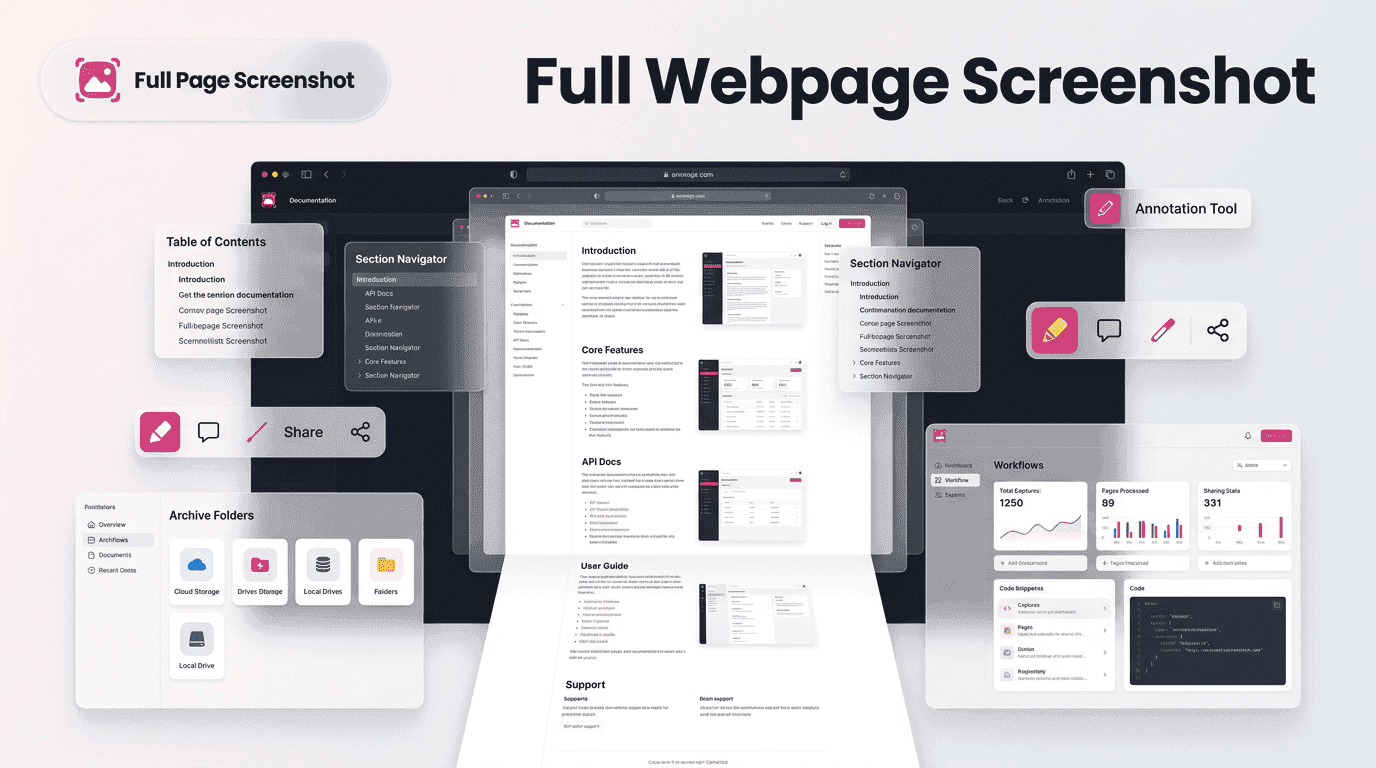
This is where a Full webpage screenshot is transforming the way professionals preserve online information. Instead of relying on fragmented screenshots or unstable live webpages, users can capture complete digital records that remain available long after the original content changes.
With tools like Fullpage Screen Shotting, organizations can create accurate, organized, and dependable documentation workflows that support smarter decision-making and long-term knowledge management.
Why Traditional Documentation Methods Are Losing Effectiveness
For years, users relied on manual screenshots, copied text, and bookmarked links to preserve online information. While these methods may seem convenient, they often fail when complete documentation is required.
A bookmarked page may change. A copied section of text may lose its visual context. Multiple screenshots may create confusion when trying to reconstruct an entire webpage.
As websites become more dynamic and content updates occur more frequently, traditional documentation methods struggle to maintain accuracy. Businesses now require documentation systems that capture complete information without sacrificing context or visual integrity.
This shift has increased the value of the Full webpage screenshot as a modern documentation solution.
Capturing Context Instead of Just Capturing Information
Documentation is not simply about saving text. The structure, layout, graphics, calls-to-action, and overall presentation of a webpage often provide valuable context.
Imagine a marketing team reviewing a competitor’s landing page. The wording alone does not tell the full story. The placement of elements, visual hierarchy, and design choices all contribute to the page’s effectiveness.
A Full webpage screenshot preserves this complete experience by recording the webpage exactly as users see it. This makes future analysis more meaningful because teams can evaluate both content and presentation together.
As organizations become increasingly data-driven, preserving context is becoming just as important as preserving information itself.
A Real-World Example of Documentation Before Content Changes Consider a digital marketing specialist preparing a quarterly competitor analysis report. During research, the specialist discovers a highly optimized product page with unique messaging and design strategies. Rather than relying on notes or partial screenshots, they create a complete webpage record. Two months later, the competitor launches a redesign and removes the original page. Because a Full webpage screenshot was captured earlier, the marketing team still has access to the previous version and can compare changes over time. This ability to preserve digital history is one of the key reasons webpage capture has become an essential documentation practice. Building Reliable Digital Records for Long-Term Reference Many organizations are beginning to treat website captures as business records rather than simple screenshots.
Reliable records support:
- Website audits
- Compliance documentation
- Competitive research
- Content archiving
- Design reviews
- Historical comparisons
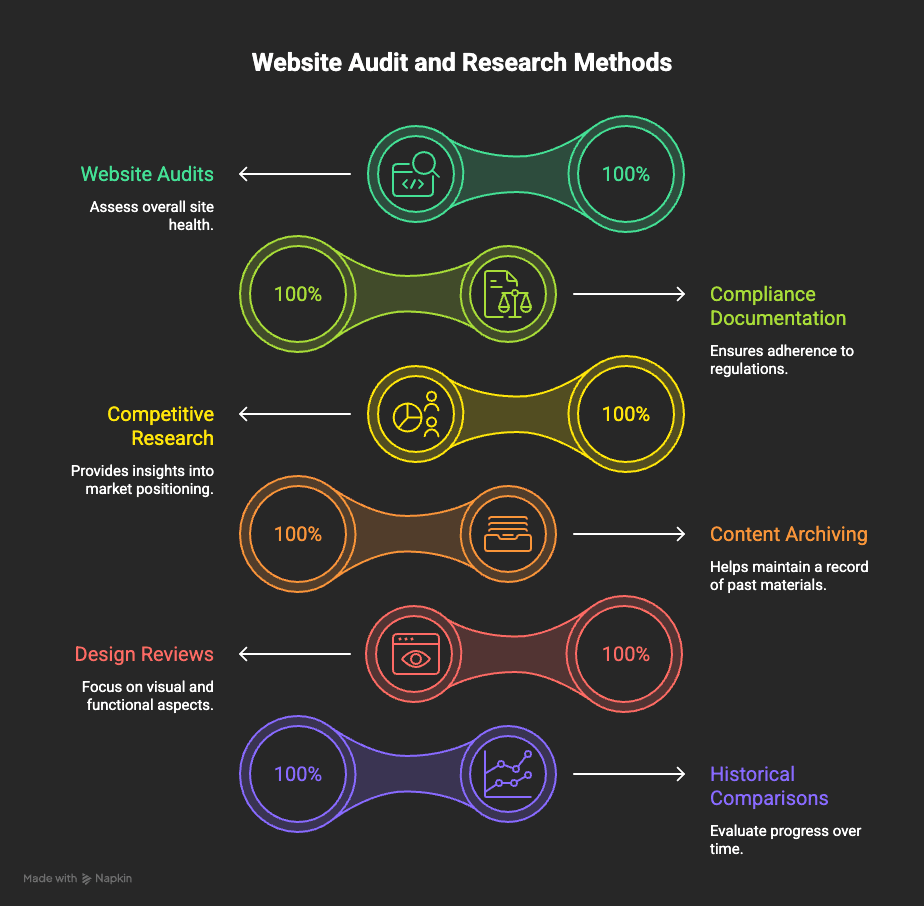
A complete webpage record provides a stable reference point that remains available regardless of future website changes.
Using a Full webpage screenshot, businesses can create documentation systems that support consistency, transparency, and accountability across projects.
Supporting Faster Decisions Through Better Information Access
Decision making becomes easier when information is accessible and organized.
Imagine a project manager reviewing previous website versions during a redesign project. Instead of searching through multiple screenshots or archived files, they can instantly access a complete visual record of the webpage.
This saves time and reduces uncertainty during discussions.
A Full webpage screenshot simplifies information retrieval by consolidating webpage content into a single document that can be reviewed quickly and shared easily.The result is faster collaboration and more confident decision-making.
The Growing Role of Visual Documentation in Modern Teams
Whether discussing website performance, reporting campaign results, or reviewing product updates, teams often communicate more effectively when they can see information rather than simply read descriptions.
A Full webpage screenshot helps eliminate misunderstandings by preserving the exact webpage that was viewed at a specific moment. This creates alignment between stakeholders and improves communication across departments.
As remote and distributed teams continue growing, visual documentation is becoming a critical business asset.
Reducing Documentation Gaps Through Complete Page Preservation
One of the biggest challenges in documentation is incompleteness.Missing sections, hidden content, and fragmented screenshots can create information gaps that affect future analysis.
For example, a pricing update located near the bottom of a webpage may be overlooked if only partial screenshots are captured. Months later, that missing information could impact reporting accuracy.
A Full webpage screenshot addresses this issue by preserving the entire page from top to bottom. This reduces the likelihood of missing important details and improves documentation reliability.
How Fullpage Screen Shotting Simplifies Documentation Workflows
Documentation should support productivity, not slow it down.Fullpage Screen Shotting helps users capture complete webpages without requiring manual stitching, repetitive scrolling, or complex workflows.
By simplifying webpage preservation, the platform allows professionals to spend more time analyzing information and less time collecting it.
Teams can quickly create records, organize documentation, and maintain archives without introducing unnecessary complexity into their processes.
This streamlined approach makes documentation more practical and sustainable for long-term use.
The Future of Online Documentation and Content Preservation
As organizations generate and consume larger amounts of digital information, documentation practices will continue evolving.
Future documentation strategies will focus on accuracy, accessibility, and long-term preservation. Businesses will increasingly require tools that help maintain reliable records despite constant changes across digital environments.
The role of the Full webpage screenshot will continue expanding as organizations seek more effective ways to preserve online information.
Rather than treating webpage capture as an occasional task, many businesses now view it as a core component of digital knowledge management.
Conclusion
Online documentation is undergoing a significant transformation. As websites become more dynamic and information changes more frequently, organizations need better methods for preserving valuable digital content.
Traditional approaches often fail to capture the full context of a webpage, leading to incomplete records and reduced documentation quality. A Full webpage screenshot addresses these challenges by preserving entire webpages exactly as they appear.
From competitor research and website audits to compliance records and project reviews, complete webpage capture is helping businesses build stronger documentation systems.
With Fullpage Screen Shotting, professionals can create accurate, organized, and reliable webpage records that support smarter decisions and more effective information management in an increasingly digital world.