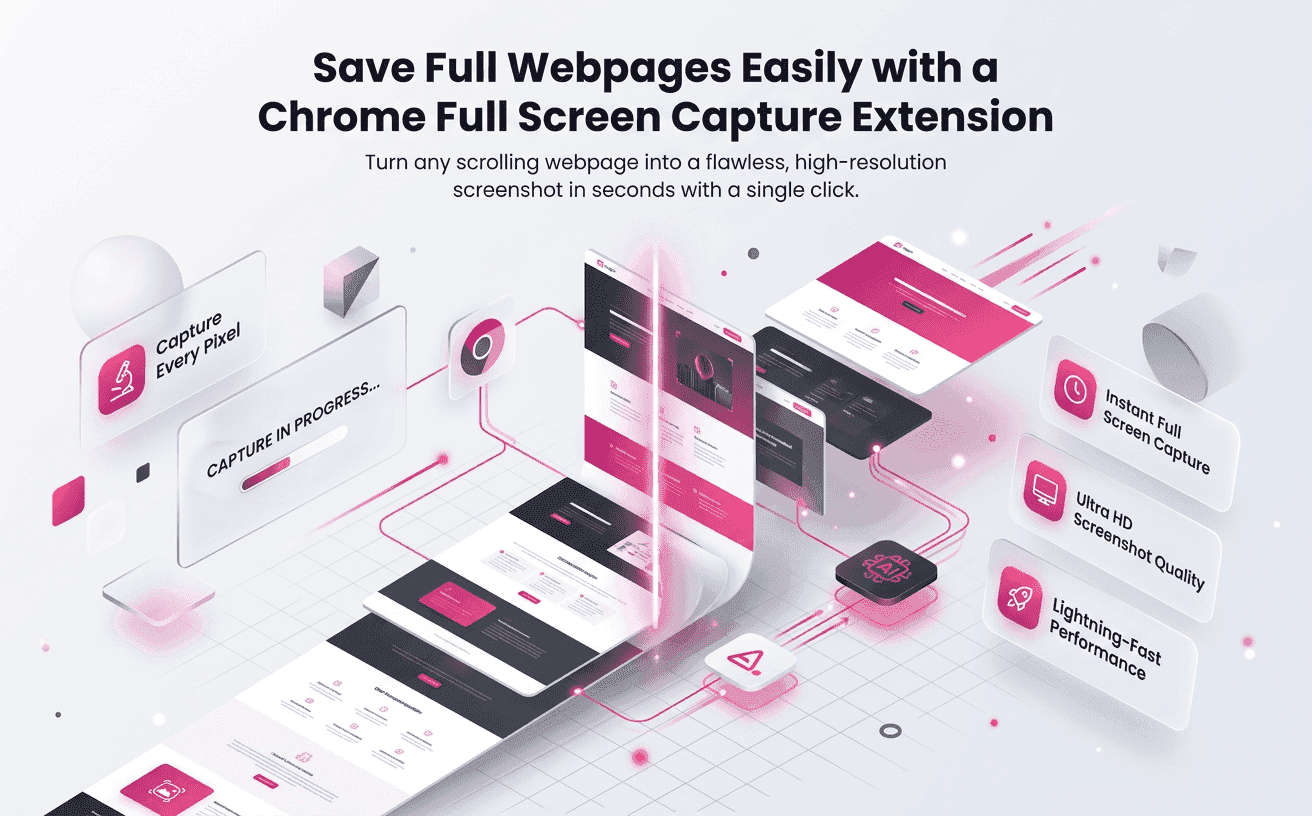
When a webpage contains valuable information from top to bottom, taking multiple screenshots quickly becomes frustrating. You capture the header first, then scroll, capture again, and repeat until the entire page is saved. Besides consuming time, this process often creates gaps, duplicate sections, or missing content that reduces the value of your screenshots.
A Chrome Full Screen Capture Extension eliminates this problem by capturing an entire webpage in one smooth process. Instead of stitching several images together, you receive a single, complete screenshot that accurately represents the page. Whether you're documenting website designs, collecting research, reviewing competitors, or sharing visual feedback, complete screenshots make your workflow faster and more reliable.
Full Page Screenshotting is designed to simplify webpage capture without interrupting your browsing experience. With a few clicks, you can save long webpages exactly as they appear, making it easier to organize information, collaborate with teams, and preserve online content for future reference.
Why Complete Webpage Captures Improve Daily Work
Most modern websites extend well beyond the visible browser window. Landing pages, blogs, product catalogs, documentation, and reports often contain critical information further down the page.
Using a Chrome Full Screen Capture Extension ensures that every section is included in a single image, giving you a complete record instead of disconnected screenshots.
Some common advantages include:
- Saving entire webpages without stitching images manually
- Keeping webpage layouts intact
- Sharing complete information with clients and teammates
- Creating reliable references for future projects
- Reducing mistakes caused by missing webpage sections
Instead of worrying about what might have been left out, users can focus on analyzing and sharing the captured content.
Save More Than Just What You Can See
Visible browser windows rarely tell the complete story. Important information is often placed toward the bottom of a webpage, especially on websites designed for marketing or customer engagement.
These sections commonly include:
- Pricing comparisons
- Customer testimonials
- Frequently asked questions
- Product specifications
- Contact information
- Trust badges
- Case studies
- Footer navigation
Missing any of these sections can create confusion during reviews or research.
With Full Page Screenshotting the entire webpage is preserved from the first pixel to the last, allowing every important detail to remain accessible whenever you need it.
Make Website Reviews Faster and More Accurate
Website reviews require complete visual context. Designers, developers, SEO specialists, and digital marketers frequently compare webpages to identify improvements or verify updates.
Instead of switching between multiple screenshots, a Chrome Full Screen Capture Extension provides one continuous view of the webpage.
This simplifies tasks such as:
- Reviewing landing page layouts
- Comparing design changes
- Checking content placement
- Verifying responsive sections
- Monitoring website updates
- Documenting project progress
Because every section appears in one image, discussions become clearer and decisions can be made more confidently.
Preserve Important Information Before It Changes
Websites evolve constantly. Content is updated, promotional banners disappear, pricing changes, and layouts are redesigned.
If important information isn't captured at the right moment, it may no longer be available later.
Complete webpage screenshots create a dependable visual archive that helps you:
- Keep records of website updates
- Save research materials
- Document online resources
- Compare historical webpage versions
- Maintain proof of published content
This is particularly useful for agencies, businesses, educators, and researchers who regularly rely on web-based information.
Improve Collaboration With Better Visual References
Sharing complete screenshots improves communication between teams. Instead of explaining which section someone should review, you can provide a single image that contains the full webpage.
Whether you're working with designers, developers, clients, or marketing teams, complete webpage captures reduce misunderstandings and eliminate unnecessary follow-up questions.
Full Page Screenshotting helps teams collaborate more efficiently by providing clear, complete visual references that everyone can understand.
This becomes especially valuable when projects involve multiple revisions or approvals, where missing even a small section could delay progress.
Where a Chrome Full Screen Capture Extension Adds the Most Value
A complete webpage screenshot is useful in many professional and everyday situations. Instead of relying on several partial images, users can capture the entire page once and access every detail whenever needed.
A Chrome Full Screen Capture Extension is especially valuable for:
- Digital Marketers: Document campaign landing pages and competitor websites.
- Web Designers: Review layouts, spacing, and visual consistency.
- Developers: Record bugs or interface issues for faster troubleshooting.
- SEO Professionals: Track page updates and content changes.
- Students and Researchers: Preserve online articles and reference materials.
- Business Teams: Share reports and project documentation with colleagues.
Because everyone views the same complete image, collaboration becomes smoother and decisions are based on accurate visual information.
Features That Make a Great Capture Extension
Not every screenshot tool delivers the same experience. The best extensions focus on speed, simplicity, and image quality while ensuring that long webpages are captured accurately.
When choosing a Chrome Full Screen Capture Extension consider features such as:
- One-click full-page capture
- High-resolution image output
- Accurate rendering of long webpages
- Fast processing without slowing the browser
- Easy download and sharing options
- Lightweight performance
- User-friendly interface
- Reliable capture of complex webpage layouts
These capabilities help users spend less time capturing content and more time using it productively.
Simple Tips for Better Full-Page Screenshots
Even with an advanced extension, a few best practices can improve your results and ensure every capture is clear and complete.
Before taking a screenshot:
- Allow the webpage to finish loading.
- Expand FAQs or hidden sections if needed.
- Scroll through pages that use lazy-loaded images.
- Close unnecessary pop-ups or notification banners.
- Verify that important content is visible before capturing.
These small steps help create professional screenshots that accurately represent the webpage without missing important information.
Why Full Page Screenshotting Is a Smart Choice
Choosing the right screenshot tool isn't only about convenience—it also improves productivity and documentation quality.
Full Page Screenshotting is designed for users who need dependable webpage captures without unnecessary complexity. Whether you're saving a product page, documenting a client website, or preserving research, the extension provides an efficient way to capture everything in one image.
Instead of manually combining multiple screenshots, users can create organized visual records that are easier to review, store, and share.
For professionals who work with websites every day, this approach saves valuable time while reducing the chances of overlooking critical information.
Capture Every Detail With Confidence
Modern websites continue to grow longer and more interactive. Important information is often spread across multiple sections, making traditional screenshots less effective for documentation and collaboration.
A Chrome Full Screen Capture Extension allows you to save complete webpages without interruptions, helping you maintain accurate records for work, research, education, and business projects.
With Full Page Screenshotting every capture becomes more than just an image—it becomes a reliable visual reference that supports better communication, faster reviews, and more informed decisions.
Whether you're managing website projects, analyzing competitors, or building a personal archive of online resources, complete webpage screenshots ensure that nothing important is left behind.
By adopting a dependable Chrome Full Screen Capture Extension you can simplify your workflow, improve collaboration, and preserve every detail of the webpages that matter most.