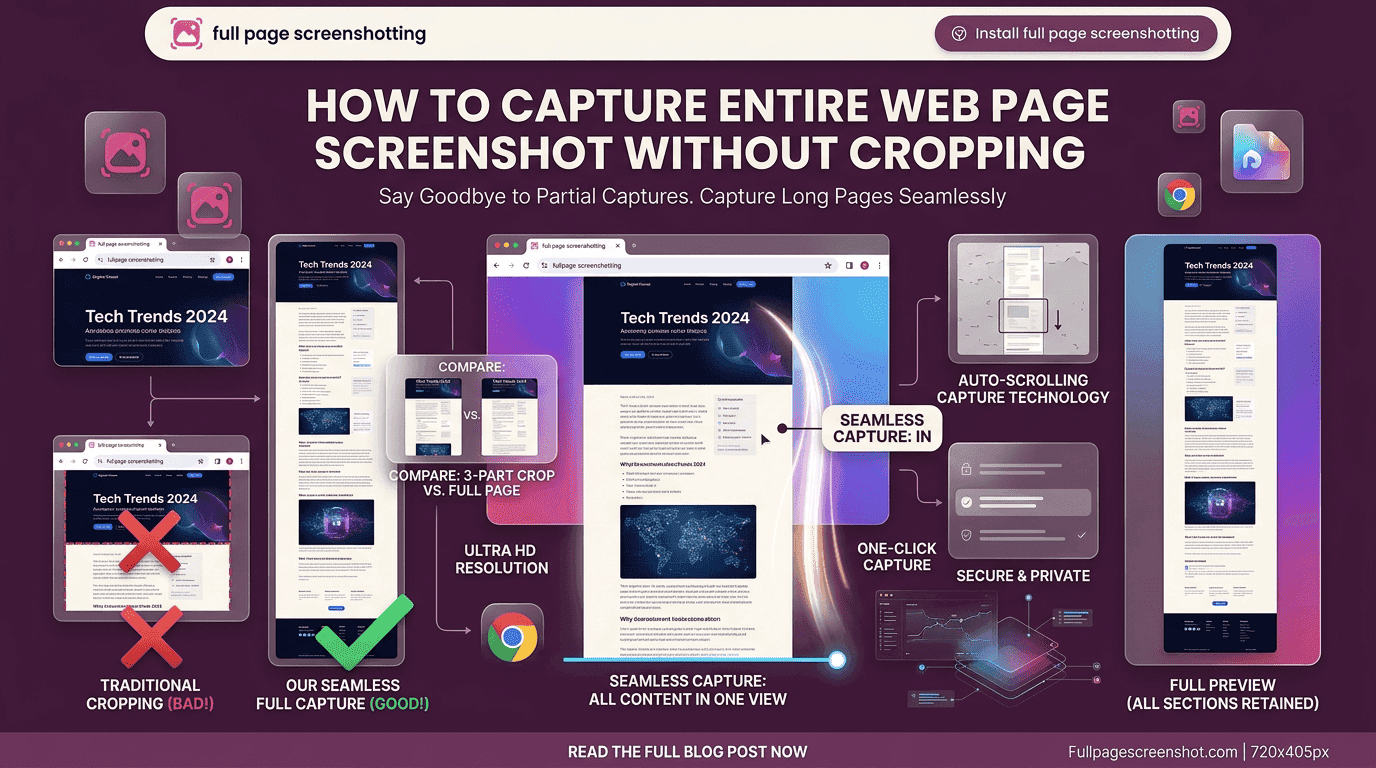
Modern websites are designed with long scrolling layouts that contain large amounts of information. Product pages, landing pages, blogs, dashboards, and educational portals often extend far beyond the visible browser window. Capturing only the visible portion of a page can leave out important details and reduce the value of the screenshot.
Businesses, freelancers, developers, and marketers now depend heavily on webpage screenshots for communication and documentation. The ability to capture entire web page screenshot content accurately helps teams preserve layouts, record updates, and share information more clearly.
Complete webpage screenshots also improve organization. Instead of storing multiple cropped images, users can maintain a single clean screenshot that represents the entire webpage structure from top to bottom.
Fullpage Screenshotting supports professionals who require fast and efficient webpage capture solutions for everyday digital workflows.
Challenges With Standard Screenshot Tools
One major problem involves taking multiple screenshots manually. Users often scroll down the page repeatedly while capturing separate sections. These images then need to be stitched together using editing software, which consumes time and creates alignment issues.
Another challenge is inconsistent formatting. Different screenshots may vary in spacing, resolution, or positioning, making documentation appear unprofessional.
The need to capture entire web page screenshot content without cropping has increased because businesses now rely on visual documentation for project reviews, training materials, client reporting, and website analysis.Browser-based screenshot solutions solve these issues by automating the full-page capture process.
Benefits of Capturing Full-Length Webpages
The first major benefit is improved clarity. A complete webpage image shows all sections together, helping viewers understand the structure and flow of the content.
The ability to capture entire web page screenshot content also improves documentation quality. Businesses often archive webpages for future comparisons, audits, or performance tracking.
Full-length screenshots are commonly used for:
- Website redesign reviews
- Marketing campaign records
- Competitor analysis
- Technical troubleshooting
- Training materials
- Project documentation
Fullpage Screenshotting helps businesses simplify screenshot workflows while maintaining clean and organized webpage records.
Browser Extensions That Simplify Screenshot Tasks
Browser screenshot extensions have become popular because they integrate directly into everyday browsing activity. Instead of opening separate software programs, users can capture webpages instantly inside the browser.
The ability to capture entire web page screenshot content within seconds improves productivity for professionals working online regularly.
Most professionals prefer browser extensions because they provide:
- Faster webpage capture
- Simple interface design
- Immediate browser access
- Reduced editing work
- Better workflow efficiency
As businesses continue expanding digital operations, browser extensions are becoming important productivity tools across industries.
Best Practices for Clear Screenshot Output
Creating professional webpage screenshots requires proper preparation. Small adjustments can significantly improve screenshot clarity and organization.
Wait for Full Webpage Loading
Some webpages contain images, animations, or interactive sections that require extra loading time. Capturing too early may result in missing elements.
Use Standard Browser Zoom Levels
Consistent zoom settings maintain webpage proportions and improve readability within the screenshot.
Keep the Browser Clean
Too many open tabs or notifications can distract from the webpage content. Clean browser windows produce more professional screenshots.
Organize Screenshot Files Properly
Clear folder structures and consistent naming systems improve accessibility during future projects or audits.
Use Reliable Screenshot Tools
Efficient tools designed to capture entire web page screenshot content automatically create smoother and more accurate results compared to manual methods.Following these practices helps businesses maintain better visual documentation standards.
How Businesses Store Screenshot Records Efficiently
As businesses capture more webpage screenshots, proper organization becomes increasingly important. Disorganized image files can slow workflows and make information difficult to retrieve later.
Many organizations create screenshot archives sorted by:
- Project name
- Client account
- Campaign type
- Date
- Department
The ability to capture entire web page screenshot content consistently also helps maintain uniform documentation across teams.
Cloud storage platforms are commonly used to share screenshots between departments and remote employees. Organized screenshot libraries simplify collaboration and reduce duplicated work.
Fullpage Screenshotting supports professionals who need dependable screenshot solutions that integrate into organized digital workflows.
Screenshot Solutions for Remote Teams
Remote work has increased the importance of visual communication tools. Teams working across different locations frequently rely on screenshots to explain issues, review updates, and share webpage references.
Remote teams commonly use webpage screenshots during:
- Client presentations
- Development reviews
- Marketing discussions
- Bug reporting
- Workflow training
- Internal documentation
The ability to capture entire web page screenshot content improves collaboration because team members can review identical webpage visuals regardless of location.
Visual documentation also reduces the need for long meetings and detailed written explanations. Clear screenshots often communicate ideas faster and more effectively.
Improving Productivity With Faster Webpage Captures
Productivity improvements often come from reducing repetitive tasks. Manual screenshot stitching consumes time that professionals could spend on more valuable work.
The ability to capture entire web page screenshot content efficiently helps businesses improve reporting, documentation, and communication speed.
Faster screenshot creation supports:
- Quicker project reviews
- Better client communication
- Improved website monitoring
- Faster technical troubleshooting
- More organized digital records
Fullpage Screenshotting recognizes the growing need for efficient webpage capture solutions that help businesses simplify online workflows while maintaining accurate visual documentation.
Conclusion
Full webpage screenshots have become essential for modern digital communication and documentation. Businesses, developers, marketers, educators, and remote teams all rely on accurate webpage captures to improve collaboration and preserve important online information.
The ability to capture entire web page screenshot content helps organizations reduce manual work, improve communication, and maintain organized records across projects.
Fullpage Screenshotting continues supporting users who need reliable webpage capture systems designed for clarity, speed, and workflow efficiency.