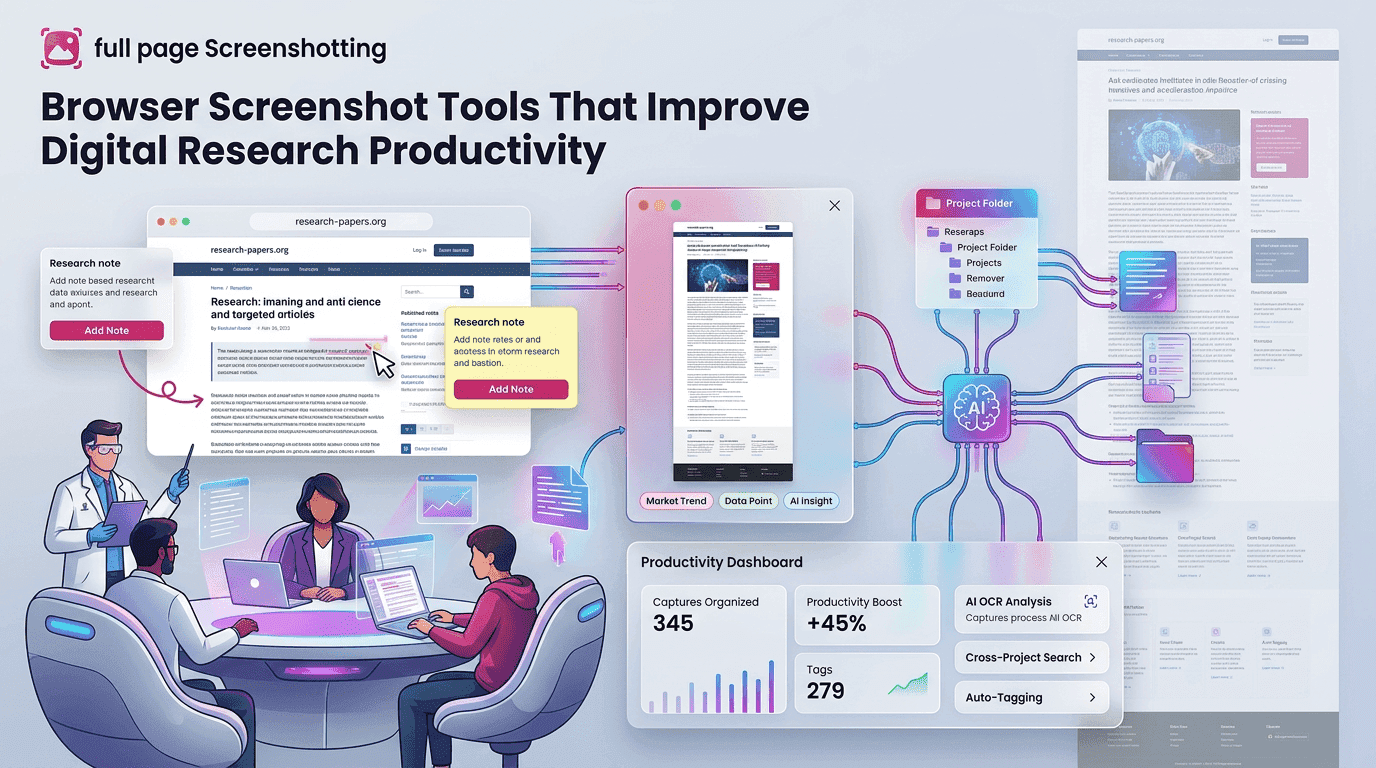
The internet has become one of the largest sources of information for students, businesses, educators, researchers, and professionals. Every day, people collect data from blogs, educational portals, online journals, market reports, and technical websites. Managing this information efficiently has become increasingly important because online content changes rapidly and valuable references can easily be lost. This is why browser screenshot tools have become essential for modern research workflows.
Traditional research methods often involve copying text manually, bookmarking multiple pages, or downloading separate documents. These methods can become disorganized and time-consuming during large projects. Browser screenshot extensions provide a faster alternative by allowing users to capture webpage content instantly without interrupting browsing sessions. Tools such as FullPageScreenshotting help users preserve webpage information visually for future access and easier organization.
Why Visual References Are Important During Online Research
Research often involves reviewing large amounts of information across multiple websites. Because webpages may later change or disappear entirely, users need reliable methods for preserving important references. Visual screenshots help solve this problem by saving webpage content exactly as it appeared during research.
Visual references improve understanding because screenshots preserve webpage layouts, charts, tables, and graphics together in one format. This allows users to remember information more clearly compared to plain copied text. Researchers can quickly revisit screenshots and understand webpage context without reopening the original source repeatedly.
Visual webpage capture is especially useful for:
- Academic research
- Educational tutorials
- Market analysis
- Technical documentation
- Industry reports
As online information continues expanding, screenshot tools are becoming increasingly valuable for efficient digital research management.
How Browser Screenshot Tools Increase Research Efficiency
Browser screenshot tools improve workflow speed by allowing users to capture webpage information instantly during browsing sessions. Instead of switching between note-taking applications and browser tabs, users can preserve important webpage sections with a single click.
One major advantage is the ability to save webpage content immediately before moving to the next source. This helps maintain research momentum and reduces distractions during long study or analysis sessions.
- Study notes
- Graphs and charts
- Website references
- Tutorial examples
- Research findings
Webpage archiving is another important benefit. Many online articles are updated frequently, making screenshots useful for preserving original webpage versions. Researchers can later compare archived screenshots with updated content to identify changes or track information development.
Features That Simplify Research Material Collection
Modern browser screenshot extensions include several features designed to improve information capture and organization.
Area Selection Screenshot Tools
Area selection allows users to capture only specific webpage sections instead of saving the entire screen.
This feature is useful for:
- Saving statistics
- Capturing educational diagrams
- Preserving highlighted text
- Collecting data tables
- Storing visual examples
Selective capture helps reduce unnecessary content and keeps research files organized.
Full Scrolling Webpage Capture
Long-form research articles often contain information spread across multiple sections. Scrolling capture tools automatically save the entire webpage into one image.
This is especially helpful for preserving:
- Long educational articles
- Research reports
- Technical tutorials
- Data analysis pages
- Digital publications
Extensions like FullPageScreenshotting make long webpage capture easier through automated scrolling functionality.
Instant Clipboard Screenshot Copying
Clipboard copy functionality improves productivity because screenshots can be pasted directly into:
- Research notes
- Presentation slides
- Documentation systems
- Collaboration tools This feature eliminates repeated download steps and speeds up workflow efficiency.
Fast Export and Save Options
Quick-save systems allow users to export screenshots immediately in formats such as PNG or PDF.
Fast export improves:
- Research documentation
- Educational organization
- Visual archiving
- File management
This becomes highly valuable during large research projects involving extensive webpage collection.
Educational Benefits of Browser Screenshot Extensions
Educational environments increasingly depend on digital learning resources, making screenshot extensions highly valuable for students and instructors.
Study preparation becomes easier because screenshots help preserve important learning materials from webpages, online classes, and digital study platforms. Users can quickly save charts, formulas, highlighted notes, and instructional graphics for later review.
Research documentation is another major advantage. Academic researchers often use screenshots to maintain visual records of:
- Reference sources
- Online journals
- Survey information
- Educational webpages
- Historical web content
Visual documentation improves research accuracy and simplifies citation management.
Common Errors During Screenshot-Based Research
Although screenshot tools simplify online research, some common mistakes can affect screenshot quality and organization.
Incorrect zoom settings are one frequent issue. Webpages captured at inconsistent zoom levels may appear distorted or difficult to read later. Maintaining standard browser zoom settings improves screenshot clarity and formatting consistency.
Incomplete screenshot capture is another common problem. Users sometimes begin capture before all webpage elements finish loading, resulting in missing images or partially rendered sections. Waiting for full webpage loading helps prevent incomplete captures.
Low-resolution export settings may also reduce readability, especially when screenshots contain detailed charts, statistics, or small text. High-quality exports improve long-term research usability and presentation quality.
Why Full-Page Screenshots Help Research Documentation
Full-page capture functionality provides major advantages during long-form research because it preserves entire webpages in one continuous image.
Improved readability is one of the biggest benefits because users can review long articles without reopening multiple screenshots or switching between browser tabs repeatedly.
Complete webpage preservation also helps maintain content structure. Charts, headings, images, and related explanations remain connected exactly as they originally appeared online. This improves understanding and reference accuracy during future reviews.
Full-page screenshots are especially useful for preserving:
- Educational resources
- Academic publications
- Technical documentation
- Industry analysis
- SEO research
Reference management also becomes easier because users can archive complete webpage versions inside organized folders for future comparison and documentation purposes.
Final Thoughts
Browser screenshot tools have become valuable productivity solutions for modern digital research workflows. Students, educators, analysts, marketers, and researchers all benefit from the ability to capture webpage content quickly and organize information visually.
Tools such as FullPage Screenshotting improve workflow efficiency by offering scrolling webpage capture, area selection tools, clipboard copying, and fast export functionality. These features simplify educational research, webpage archiving, online collaboration, and digital note management.