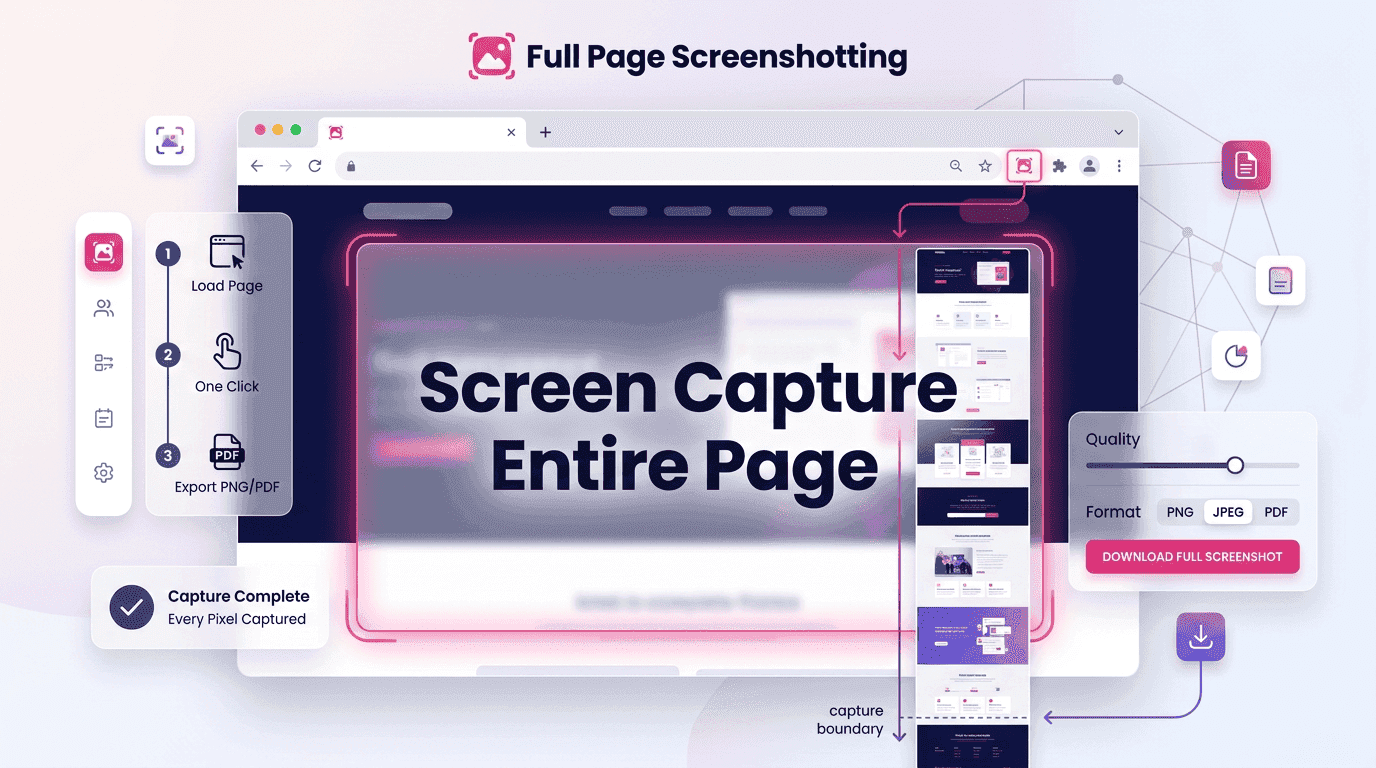
The internet has evolved far beyond simple, static webpages. Today’s websites are built with long-form content, interactive elements, product catalogs, dashboards, landing pages, and dynamic media that often extend well beyond what users can see on a single screen. Whether you’re reviewing a competitor’s website, documenting a client project, conducting an SEO audit, or archiving important online information, capturing only the visible portion of a webpage can leave out critical details.
This is where the ability to screen capture entire page content becomes invaluable. Instead of piecing together multiple screenshots manually, users can preserve every section of a webpage in one seamless image. The result is a complete visual record that improves communication, analysis, reporting, and documentation.
At Full Page Screenshotting, we regularly see professionals across industries rely on full-page captures to streamline workflows and ensure accuracy. From digital marketers and web developers to researchers and business consultants, the demand for complete webpage screenshots continues to grow.
Why Full-Page Screenshots Matter More Than Ever
Webpages are no longer designed around a fixed screen size. Modern websites guide users through an entire journey, often requiring extensive scrolling to access all information.
Think about a typical webpage today:
- A hero section introduces the topic.
- Product information follows.
- Testimonials build trust.
- Frequently asked questions answer concerns.
- Contact forms encourage action.
Capturing only the visible portion of the screen means losing valuable context.
When businesses need to document a webpage accurately, they often choose to screen capture entire page content because it provides a complete visual representation of what users experience.
Better Documentation
Organizations frequently need records of website content for compliance, audits, internal reviews, or legal purposes.
A complete screenshot creates a reliable archive that can be referenced later without relying on a webpage remaining unchanged.
Improved Team Collaboration
Designers, developers, marketers, and clients often collaborate on website projects.
Instead of sending multiple fragmented screenshots, a full-page image ensures everyone sees the same version of the webpage.
More Accurate SEO Reviews
SEO specialists need visibility into:
- Heading hierarchy
- Internal linking
- Content placement
- User experience signals
- Conversion elements
When teams screen capture entire page layouts, they gain a comprehensive view that helps identify opportunities and issues more effectively.
Enhanced User Experience Analysis
User experience professionals evaluate how content flows throughout a webpage.
A complete screenshot allows them to review:
- Content progression
- Design consistency
- Navigation structure
- Call-to-action placement
Without a full-page view, important usability insights may be missed.
Step-by-Step Process to Screen Capture Entire Pages
Capturing a complete webpage has become easier than ever. Most modern tools automate the process, eliminating the need to manually combine multiple images.
Step 1: Open the Desired Webpage
Navigate to the webpage you want to capture. Before beginning:
- Allow all content to load.
- Scroll through the page once if lazy-loaded images are present.
- Close unnecessary pop-ups.
This preparation helps ensure nothing important is missed during the capture.
Step 2: Select Your Screenshot Method
Users typically choose between:
- Browser-native tools
- Screenshot extensions
- Desktop applications
- Online screenshot services
The right choice depends on your workflow and capture frequency.
Step 3: Initiate Full-Page Capture
Most tools provide a dedicated option such as:
- Capture Full Page
- Full Screenshot
- Save Entire Page
- Capture Scrolling Page
Selecting this option automatically begins the process.
Step 4: Wait for Rendering
The tool scrolls through the page and stitches all sections together.Avoid interacting with the browser while the capture is in progress.
Step 5: Review the Screenshot
Always verify that:
- All sections are included
- Images display correctly
- No content is cropped
- Dynamic elements appear properly
Professionals who frequently screen capture entire page content know that reviewing the final image saves time later.
Step 6: Export and Store
Save the screenshot in an appropriate format.
Common options include:
- PNG
- JPEG
Organize files using descriptive names for easy retrieval.
Browser-Specific Methods Explained
| Browser | Full-Page Screenshot Capability | How It Works | Key Advantages |
|---|---|---|---|
| Google Chrome | Built-in support through Developer Tools and extensions | 1. Open Developer Tools 2. Access the Command Menu 3. Select Capture Full Size Screenshot 4. Save the generated image |
Fast and widely accessible, supports extensions that simplify the process, ideal for users who need to screen capture entire page content without installing additional software. |
| Microsoft Edge | Built-in tools, Developer Options, and extensions | Use browser capture tools, developer features, or screenshot extensions to generate full-page captures | Performs well with modern and interactive websites, integrates smoothly with Microsoft-based environments, and helps users screen capture entire page layouts accurately. |
| Mozilla Firefox | Native full-page screenshot feature | Activate the Screenshot tool and select the Save Full Page option | User-friendly interface, reliable page rendering, minimal setup, and a straightforward way to screen capture entire page content for documentation and analysis. |
Mistakes That Reduce Screenshot Quality
Even the best screenshot tools can produce poor results if users overlook important preparation steps.
Capturing Before Content Loads
Many modern websites load elements dynamically.
- Missing images
- Empty sections
- Incomplete layouts
Always verify that the page has fully loaded before initiating a capture.
Ignoring Sticky Elements
Headers and floating menus can sometimes duplicate themselves during scrolling captures.These elements may obscure content if not handled correctly.
Choosing Low-Resolution Exports
Low-quality images often become difficult to read when shared or printed.High-resolution exports preserve details and improve professional presentation.
Overlooking Responsive Variations
Desktop and mobile layouts frequently differ significantly.When conducting reviews or audits, capture both versions whenever possible.
How Businesses Use Full-Page Captures for Reporting
Full-page screenshots have become an essential reporting tool across multiple industries.Their ability to preserve visual context makes them valuable for both internal and external communication.
SEO Reporting
SEO agencies often document website performance improvements over time.
A complete screenshot helps showcase:
- Updated content
- Improved page structure
- New landing pages
- Conversion-focused changes
Visual evidence strengthens client trust and supports reporting accuracy.
Website Redesign Projects
Before-and-after comparisons are easier when teams can view entire webpages side by side. This approach clearly demonstrates design improvements and strategic enhancements.
Competitor Analysis
Businesses frequently analyze competitor websites to understand:
- Design trends
- Content strategies
- User experience approaches
- Conversion techniques
Capturing complete pages provides valuable reference material for future planning.
Compliance Documentation
Industries subject to regulatory requirements often maintain records of online content. Full-page screenshots create reliable archives that support compliance efforts.
Project Management
Project managers use webpage captures to:
- Track milestones
- Document changes
- Communicate updates
- Monitor deliverables
Similarly, marketers may need to screenshot the entire page when presenting campaign landing pages, ensuring stakeholders can evaluate every section without navigating away from reports.
Conclusion
As websites continue to become longer, more interactive, and more information-rich, traditional screenshots are no longer sufficient for many professional tasks. Businesses, marketers, developers, researchers, and consultants increasingly rely on full-page captures to preserve complete webpage experiences and eliminate gaps in documentation.
The ability to screen capture entire page content provides a clearer view of website structure, user experience, and content flow. It supports accurate reporting, stronger collaboration, better decision-making, and more effective communication.
At Full Page Screenshotting, we believe complete visibility leads to better insights. Whether you’re conducting an SEO audit, reviewing a redesign, preparing a client report, or simply preserving online information, capturing every pixel ensures that no important detail gets left behind.