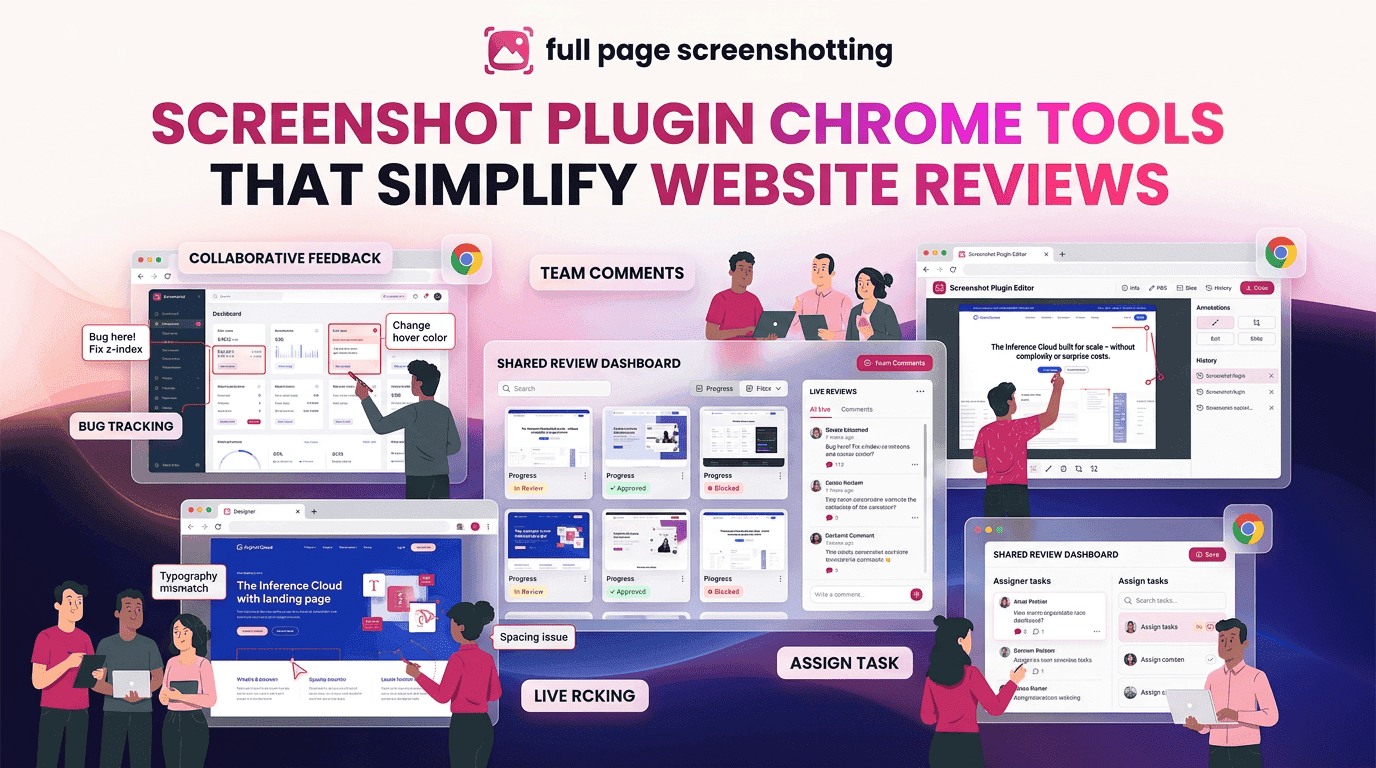
Website reviews have become a critical part of digital marketing, SEO management, web development, and online business operations. Businesses constantly monitor webpages to ensure that designs, content, user experience, and technical performance remain consistent. Because websites change frequently, professionals now depend heavily on screenshot plugin chrome tools to document webpage conditions quickly and accurately.
Traditional screenshot methods often slow down workflow efficiency because users need to capture multiple images manually and organize them separately. Modern browser screenshot extensions solve this problem by allowing instant webpage capture directly inside Chrome. Tools like FullPageScreenshotting simplify website review workflows by helping users capture entire webpages, save visual reports, and share documentation without interrupting daily tasks.
Why Website Reviews Need Faster Screenshot Workflows
Website reviews involve continuous monitoring of webpage layouts, content updates, and technical performance. Since websites can change rapidly, businesses require tools that allow quick and reliable webpage documentation.
Visual reporting has become more important because screenshots provide instant clarity during website reviews. Instead of explaining webpage issues through long written descriptions, users can simply capture and share webpage sections directly. This reduces confusion and improves communication between teams, clients, and developers.
Fast screenshot workflows also help businesses save webpage references before updates are published. Marketing campaigns, landing pages, promotional banners, and seasonal offers often change quickly, making screenshots valuable for historical tracking and reporting.
How Screenshot Plugins Improve Website Review Accuracy
Website audits require accurate visual records because even small webpage changes can impact SEO performance, design consistency, and user experience. Screenshot plugins help maintain review accuracy by preserving webpage conditions exactly as they appear during audits.
One major advantage of screenshot tools is the ability to track webpage changes over time. Businesses can compare older screenshots with updated versions to identify layout modifications, content updates, or structural improvements. This process is especially useful for monitoring redesign projects and SEO optimization changes.
Landing page reviews also become easier with screenshot extensions. Marketers frequently update headlines, calls to action, banners, and product sections during campaigns. Screenshots help teams verify that updates appear correctly across webpages.
Features That Help During Website Audit Workflows
Modern screenshot extensions provide several features that improve website review efficiency and documentation quality.
Full-Page Screenshot Support
Full-page screenshot functionality allows users to capture complete webpages in a single image. This is extremely valuable during website audits because long pages can be reviewed without taking multiple screenshots manually.
Full-page capture helps professionals document:
- Landing pages
- Blog articles
- Product pages
- SEO reports
- Analytics dashboards
Extensions like FullPageScreenshotting simplify this process using automated scrolling capture technology.
Annotation Tools
Annotation features improve website reviews by allowing users to highlight important webpage sections directly on screenshots.
Common annotation tools include:
- Arrows
- Text labels
- Highlight markers
- Shapes
- Blur effects
These features help teams communicate webpage issues more clearly during audits and client reporting.
High-Quality Exports
High-resolution screenshot exports are important because blurry or low-quality images can reduce report professionalism.
High-quality exports improve:
- SEO documentation
- Client presentations
- Design reviews
- Technical reports
PNG exports are commonly preferred because they preserve webpage clarity and readability.
Instant Sharing Options
Modern screenshot extensions often support fast sharing systems that simplify remote collaboration.
Instant sharing helps teams:
- Send reports quickly
- Share visual feedback
- Collaborate remotely
- Speed up approvals
This feature improves workflow efficiency during large website review projects.
Why SEO Professionals Use Screenshot Extensions Daily
SEO professionals frequently depend on screenshot extensions because search optimization work involves continuous website monitoring and reporting.
Technical SEO audits often require visual proof of website issues such as:
- Broken layouts
- Indexing problems
- Mobile responsiveness errors
- Page speed issues
- Structured data placement
Screenshots help SEO specialists document these problems clearly for developers and clients.
Competitor analysis is another major use case. SEO professionals regularly capture competitor webpages to monitor:
- Content updates
- Design improvements
- Keyword placement
- Landing page structures
- Featured snippets
These screenshots help businesses identify industry trends and optimization opportunities.
Client reporting workflows also rely heavily on screenshots. SEO agencies frequently include visual webpage captures inside audit reports to explain ranking changes, technical improvements, and website recommendations. Screenshots make reports easier for clients to understand because visual examples simplify technical explanations.
Full-page screenshot tools also help SEO teams archive webpage versions before implementing major optimization changes. This creates historical records that can be referenced later during performance analysis.
Common Problems During Website Screenshot Audits
Although screenshot extensions are highly useful, users may occasionally experience technical problems during website reviews.
Dynamic webpage elements are one common issue. Some websites contain animations, lazy-loaded content, or interactive scripts that may not load properly during screenshot capture. This can result in incomplete screenshots or missing webpage sections.
Broken scrolling captures can also occur on extremely long webpages or pages with unusual scrolling behavior. Certain webpage scripts may interfere with automated scrolling technology, causing overlapping sections or incomplete captures.
Browser rendering problems sometimes affect screenshot quality as well. Heavy webpages with complex layouts may temporarily slow down Chrome performance during full-page capture. This can lead to delayed rendering or image inconsistencies.
Best Ways to Organize Screenshot Reports Efficiently
Proper organization is essential when managing large numbers of website screenshots. Without a structured system, screenshot archives can quickly become difficult to navigate.
Cloud storage platforms help simplify screenshot organization because files remain accessible across devices and team members. Many professionals organize screenshots using project-based folders that separate:
- SEO audits
- Website redesigns
- Competitor analysis
- Marketing campaigns
- Technical reports
Consistent folder naming systems also improve workflow efficiency. Including dates, project names, and webpage categories in file names makes screenshot retrieval easier later.
Documentation management becomes more effective when screenshots are grouped alongside related reports, notes, and audit findings. This creates a centralized workflow system that improves collaboration and long-term record keeping.
Final Thoughts
Website reviews require accurate visual documentation, and screenshot plugin chrome tools have become essential for modern audit workflows. Businesses, SEO professionals, marketers, developers, and designers all depend on screenshot extensions to capture webpage information quickly and efficiently.
Tools like FullPage Screenshotting simplify website reviews by providing full-page capture, annotation features, high-quality exports, and instant sharing capabilities. These features improve collaboration, reporting accuracy, and project organization across digital workflows.