In today’s digital workflow, capturing what you see in a browser is no longer optional—it’s essential. Whether you’re a developer documenting UI, a marketer saving landing pages, or a student collecting research material, a reliable chrome add on screen capture tool saves time and improves accuracy.
The problem with traditional screenshot methods is simple: they only capture visible content. Long webpages, scrolling pages, and dynamic layouts often require multiple screenshots or manual stitching.
That’s where Chrome extensions come in. They automate the process, capture full pages, and deliver clean images in seconds. Tools like FullPage Screen shotting are designed specifically for fast, full-page capture without complexity.
What Is a Chrome Screen Capture Add-On?
A Chrome screen capture add-on is a lightweight browser extension that allows users to capture screenshots directly inside Chrome.
Instead of switching apps or using system shortcuts, you can capture content instantly from the browser.
A typical chrome screen capture tool works by:
- Detecting visible content on a webpage
- Scrolling automatically for full-page capture
- Stitching screenshots into one continuous image
- Exporting the result in formats like PNG or PDF
This removes manual effort and ensures accuracy across long webpages.Extensions like FullPage Screenshotting simplify this process with one-click functionality and smooth performance.
Best Use Cases for Screen Capture Extensions
A capture screen chrome extension is useful across multiple industries and tasks:
1. Content Creation
Writers and bloggers use screenshots to reference articles, data, and examples.
2. Web Development
Developers capture UI layouts, bug reports, and responsive views.
3. Digital Marketing
Marketers save landing pages, ads, and competitor websites for analysis.
4. Education
Students capture lecture notes, research papers, and online resources.
5. Business Documentation
Teams use screenshots for reports, presentations, and workflow documentation.
In all these cases, tools like FullPage Screenshotting help speed up the process and improve clarity.
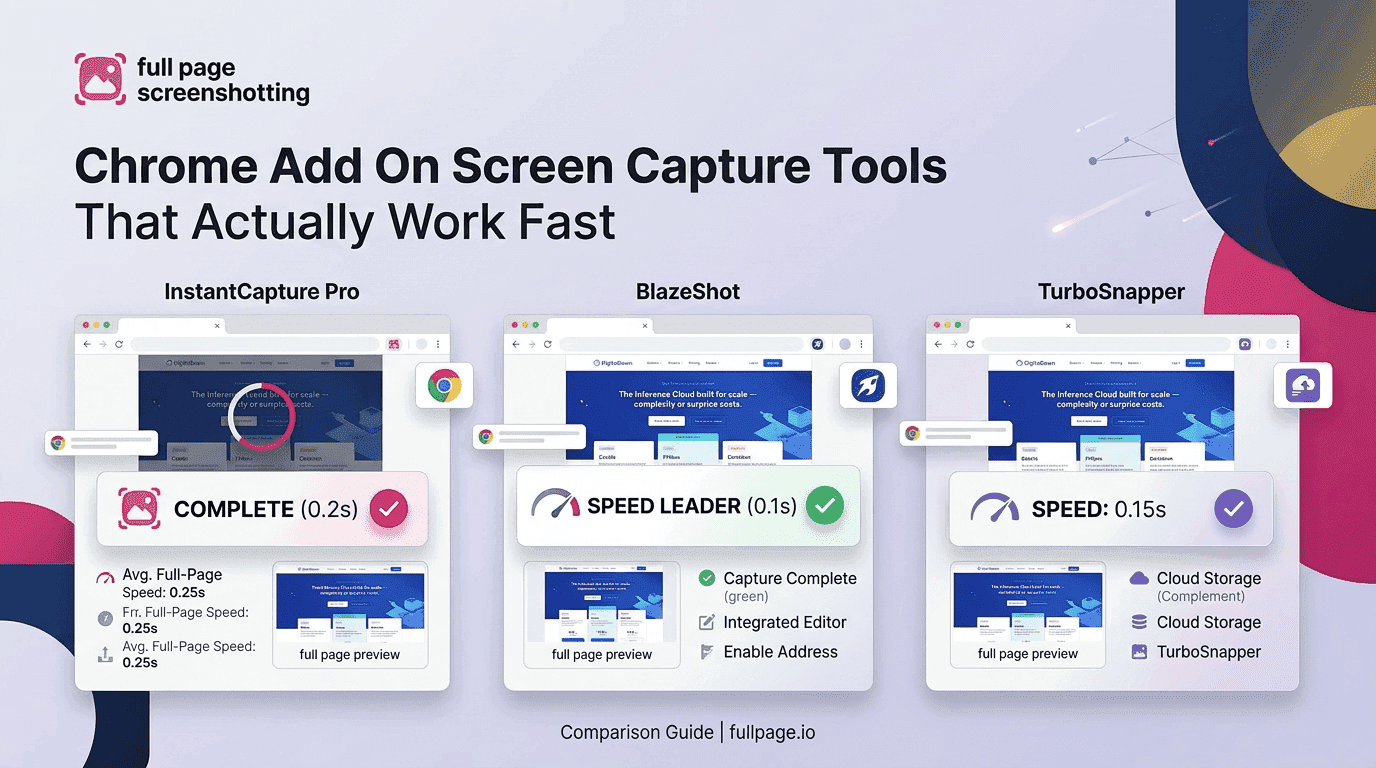
Top Chrome Add-On Screen Capture Tools That Actually Work Fast
There are many Chrome extensions available, but only a few deliver consistent performance.
1. FullPage Screenshotting A lightweight tool designed for fast full-page capture with smooth scrolling and accurate rendering.
2. GoFullPage Popular for simple full-page screenshots with minimal setup.
3. Awesome Screenshot Offers screen capture along with annotation and sharing features.
4. Nimbus Screenshot Includes screen recording and editing capabilities.
5. FireShot Good for exporting screenshots into PDF formats and advanced saving options. Among these, FullPage Screenshotting stands out for users who want speed and simplicity without unnecessary features.
Features Comparison of Chrome Screen Capture Tools
When choosing the best chrome capture addon, several key features play an important role in ensuring a smooth and efficient experience. One of the most important aspects is full page capture accuracy, where the tool should be able to capture entire webpages without missing any elements or breaking the layout structure. Along with accuracy, speed and performance are equally important because fast tools reduce waiting time, especially when dealing with long or dynamic webpages that require scrolling and stitching. Another crucial factor is output quality, as high-resolution images are essential for professional use cases such as presentations, documentation, and design reviews.
In addition to quality, export options also matter since support for formats like PNG, JPG, and PDF gives users more flexibility depending on their needs. A good tool should also prioritize ease of use, where one-click capture functionality significantly improves workflow efficiency and reduces unnecessary steps. Lastly, browser performance impact should be minimal, as lightweight extensions ensure that Chrome continues to run smoothly without slowing down during usage. Tools like FullPage Screenshotting focus on a performance-first design approach, making them ideal for daily users who need reliable and fast screen capture without complications.
Common Problems and Fixes in Screen Capture Extensions
Even good Chrome screen capture tools can have certain limitations, especially when dealing with modern, dynamic websites. One of the most common issues is missing dynamic content, where some pages load elements only while scrolling. If the extension does not wait for all elements to load properly, the final screenshot may appear incomplete or may miss important sections like images, banners, or embedded widgets.
Broken layout stitching is another challenge users often face. Full-page screenshot tools work by combining multiple screen captures as the page scrolls, but if the stitching process is not handled properly, it can result in misaligned sections, overlapping content, or visible gaps between page parts. This reduces the quality of the final image and makes it less suitable for professional use such as presentations or documentation.
Some tools also suffer from limited export formats, which can restrict how users save or share their screenshots. For example, if a tool only supports PNG but a user needs a PDF for reporting or documentation, it creates unnecessary extra steps. A flexible export system that supports multiple formats like PNG, JPG, and PDF is much more practical for different workflows.
Another limitation is website restrictions, where certain websites block or limit screenshot functionality due to security policies or dynamic rendering systems. This can prevent extensions from capturing content correctly or at all, especially on protected platforms, banking sites, or highly interactive web applications.
To overcome these common issues, using a focused and optimized tool like FullPage Screenshotting can be highly effective. It is designed with performance optimization in mind, helping reduce missing content, improve capture stability, and ensure smoother full-page screenshot handling across different types of websites.
Why FullPage Screenshotting Is a Better Choice
Many users prefer tools that are fast, simple, and reliable.
FullPage Screenshotting is recommended because it offers:
- Fast full-page capture with minimal delay
- Smooth automatic scrolling
- Clean, distortion-free output
- Lightweight performance impact
- Simple one-click usability
Unlike heavy tools that include extra features like editing or recording, this extension focuses purely on fast screen capture performance.This makes it ideal for users who mainly need a reliable chrome add on screen capture solution.
Conclusion: Choosing the Right Chrome Screen Capture Tool
A good Chrome screen capture tool should be fast, accurate, and easy to use. With increasing demand for digital documentation, full-page capture has become a necessity rather than a luxury.
While many tools exist, the best choice depends on speed, simplicity, and reliability. Tools like FullPage Screenshotting offer a balanced solution for users who want efficient and accurate screen capture without unnecessary complexity.
FAQs
1. What is the best chrome add on screen capture tool?
The best tools offer fast full-page capture, smooth scrolling, and high-quality output. FullPage Screenshotting is widely used for its simplicity and speed.
2. Can Chrome extensions capture full scrolling pages?
Yes, most modern extensions can automatically scroll and capture full webpages in one image without manual effort.
3. Are Chrome screen capture extensions safe?
Yes, if installed from the Chrome Web Store. Always check permissions and reviews before installing any extension.