Full page
screenshots,
your way.
Choose how you capture: snap the visible area, drag to snip any region, or scroll-and-stitch the entire page. Every capture opens in the built-in editor, ready to annotate and export.
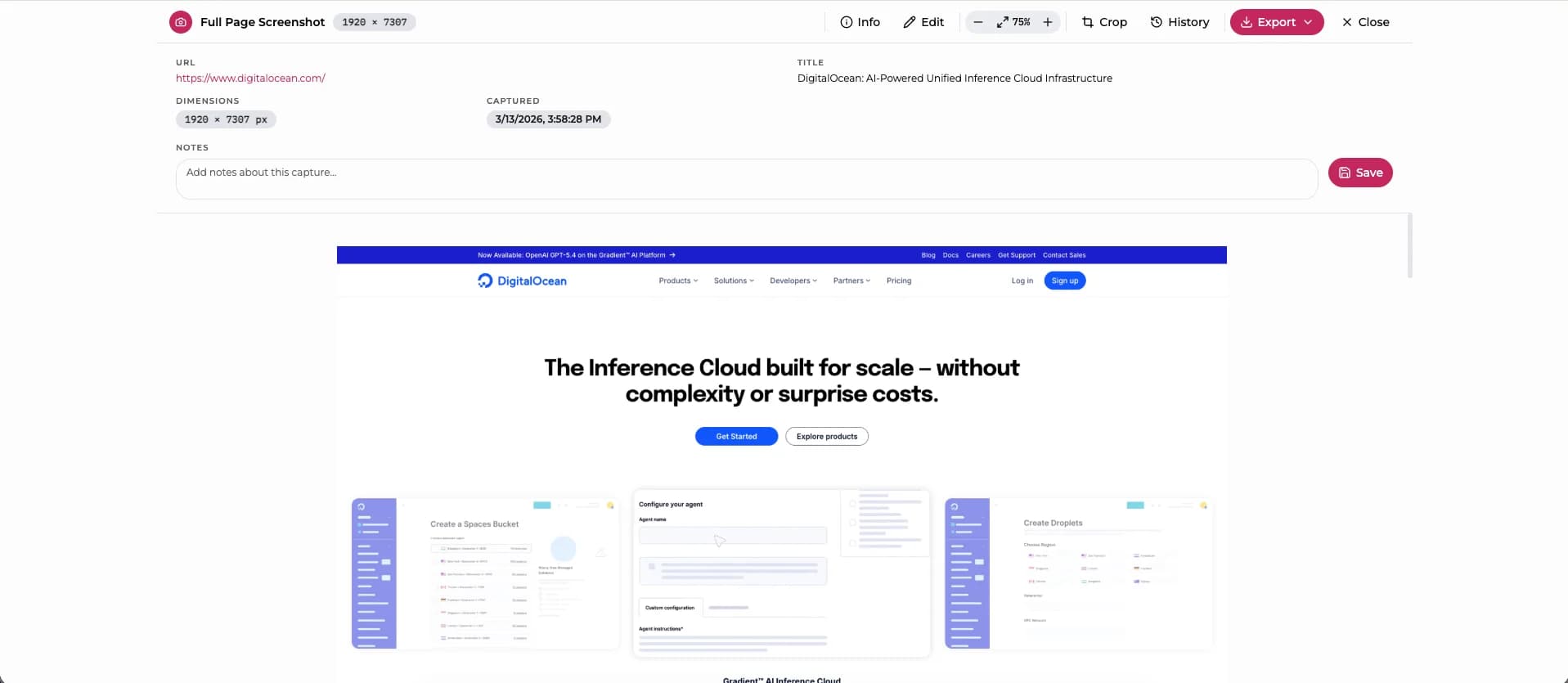
What is Full Page Screenshot?
Full Page Screenshot is a free Chrome extension with three capture modes: snap the visible area instantly, drag to snip any region of the page, or scroll-and-stitch the entire page into one seamless image. It handles lazy-loaded content, sticky headers, and dynamic frameworks like Squarespace and Notion across up to 40 scroll passes. After capture, a built-in editor provides seven annotation tools: text, arrows, shapes, freehand drawing, and blur for redacting sensitive data. Export as PNG, JPG, WebP, or PDF with adjustable quality settings. Built on Chrome's Manifest V3 platform, the extension works entirely offline, collects no user data, requires no account, and is completely free with no premium tiers.
Capture Modes
Three ways to capture
Click the extension icon and choose how you want to capture. All three modes open in the same built-in editor.
Visible Area
Captures exactly what is on screen right now. No scrolling, no stitching. Instant snapshot of the current viewport.
Best for: quick capturesSnip & Capture
Drag to draw a selection box over any part of the page. Release to capture just that region with pixel-perfect precision.
Best for: specific regionsFull Page
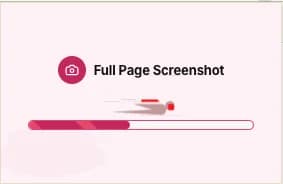
Scrolls through the entire page and stitches every viewport into one seamless image. Up to 40 scroll passes, handles lazy-loaded content.
Best for: entire pagesFeatures
Full page screenshot
features
Handles the edge cases other tools ignore: lazy loading, sticky headers, parallax, modals, and pages up to 32,700px tall.
Three Capture Modes
Click the icon and choose: snap the visible area, drag to snip a region, or scroll-and-stitch the full page. All three modes open in the same built-in editor.
Framework Aware
Special handling for parallax effects, AOS animations, Squarespace layouts, Notion tables, and Skrollr. Suppresses all CSS transitions during capture.
Modal Auto-Dismiss
Cookie banners, popups, and dialogs are automatically detected and dismissed. Fixed headers are pinned. Sticky elements handled gracefully.
Built-in Editor
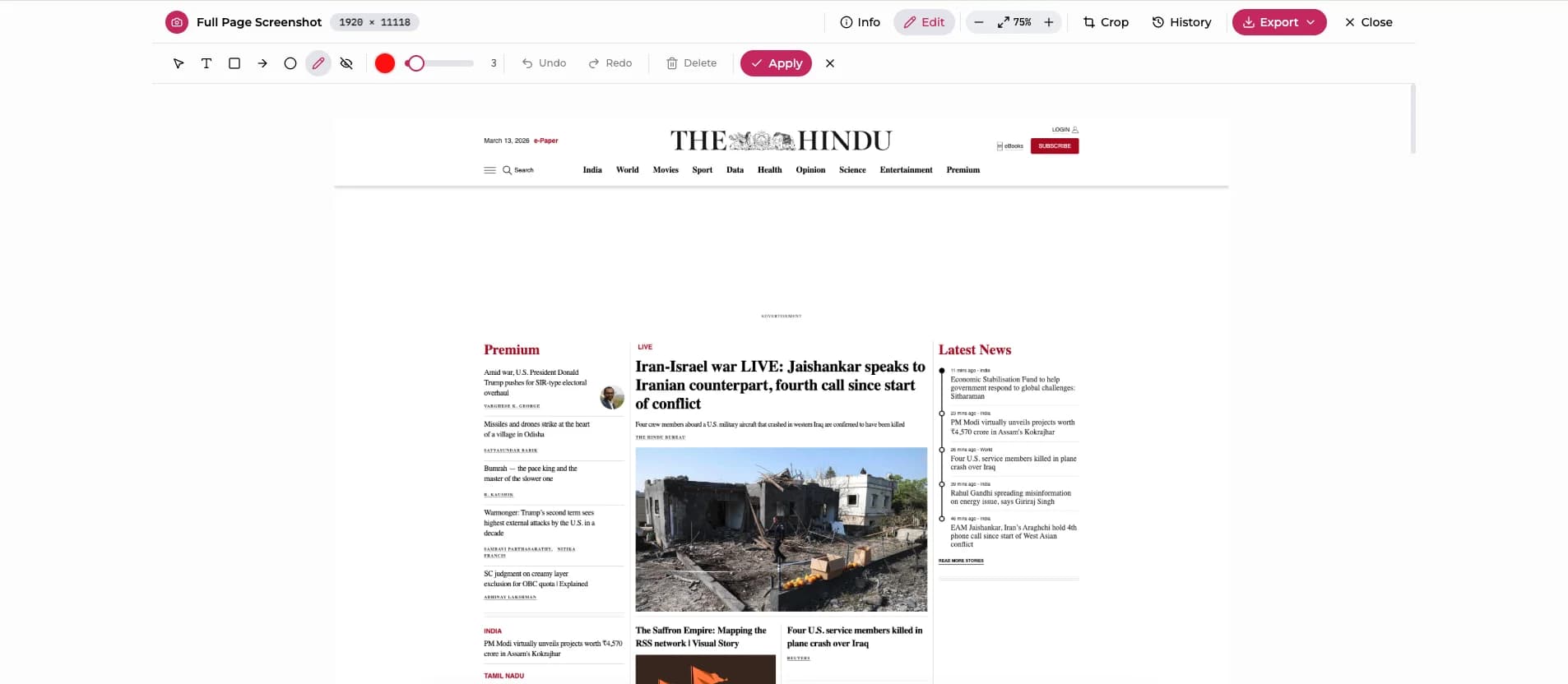
Seven annotation tools: text, arrows, shapes, freehand draw, and blur. Full undo/redo with keyboard shortcuts.
Multi-Format Export
PNG, JPG, WebP, PDF. Adjustable quality slider. Custom filenames. Persistent preferences.
PNG
Lossless
JPG
Quality slider
WebP
Best compression
Documents
Screenshot History
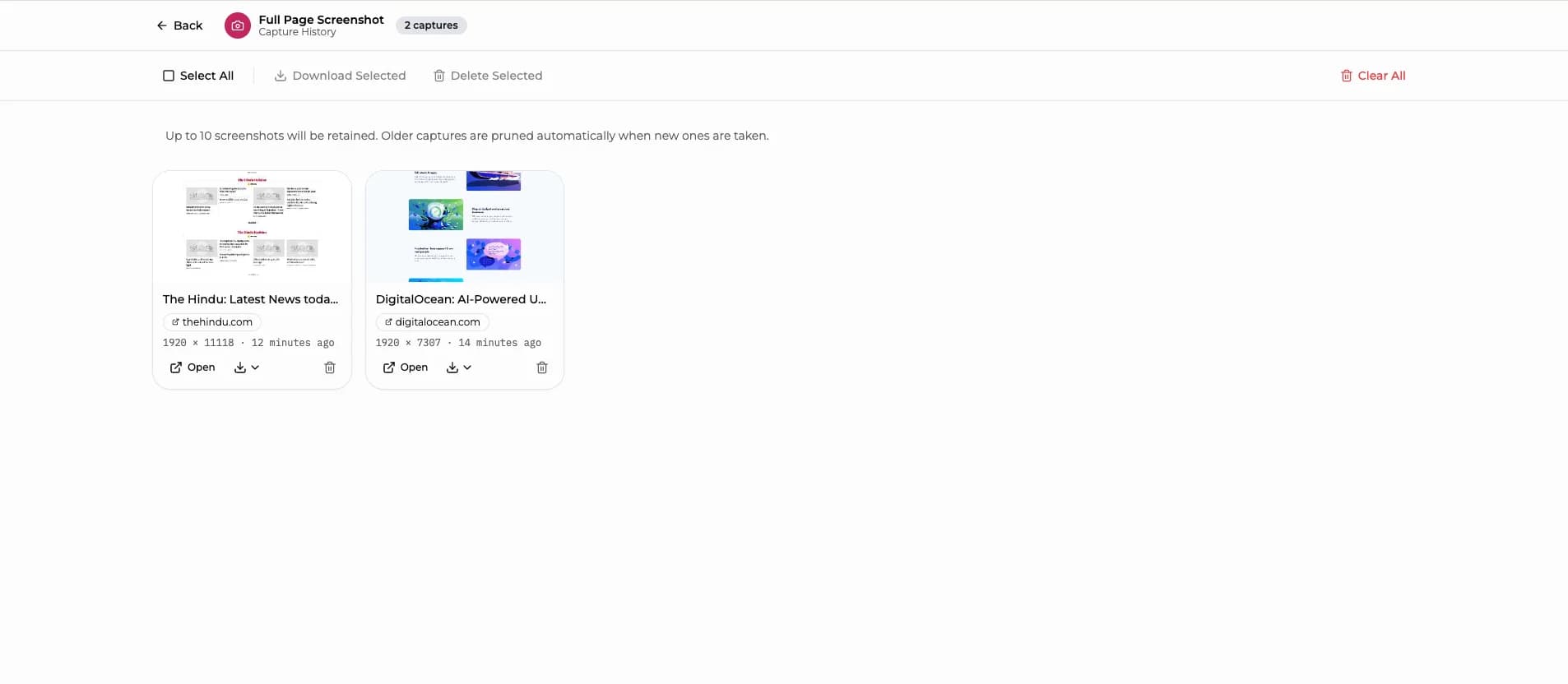
A grid of all your captures with thumbnails, page titles, URLs, and timestamps. Select multiple, download in bulk, or delete. All in a few clicks. Auto-prunes to keep the 10 most recent.
How It Works
How to screenshot
an entire page
From click to export in seconds. No learning curve, no account required.
Click the icon, choose your mode
Three capture options
Click the extension icon and a popup appears with three options: Visible Area, Snip & Capture, or Full Page. Pick one and capture begins immediately.
Edit & annotate
Seven built-in tools
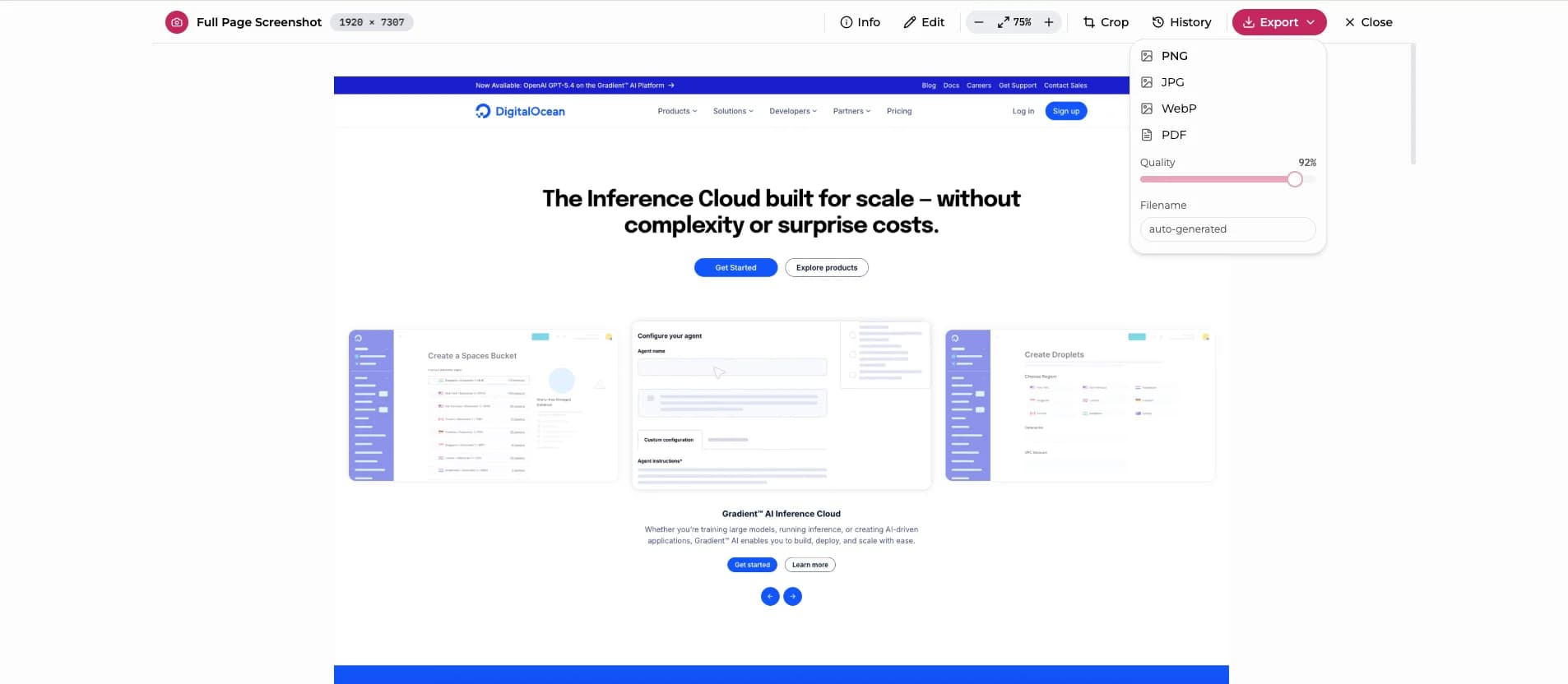
Crop, blur sensitive info, draw arrows, add text. Switch between original and edited versions anytime. Full undo/redo with keyboard shortcuts.
Export your way
PNG, JPG, WebP, PDF
Download as PNG, JPG, WebP, or PDF. Set quality, name your file, and it remembers your preferences between sessions.
FAQ
Got
questions?
Everything you need to know about Full Page Screenshot.
Ready to capture
everything?
Free forever. No account. No tracking. Just the screenshot tool you've been looking for.